Reference
Use the lightest visual treatment that explains the action.
Compare annotation primitives, connector anchors, and emphasis treatments against the same stable product surface.
Back to example stories7 recipes
Annotation primitives
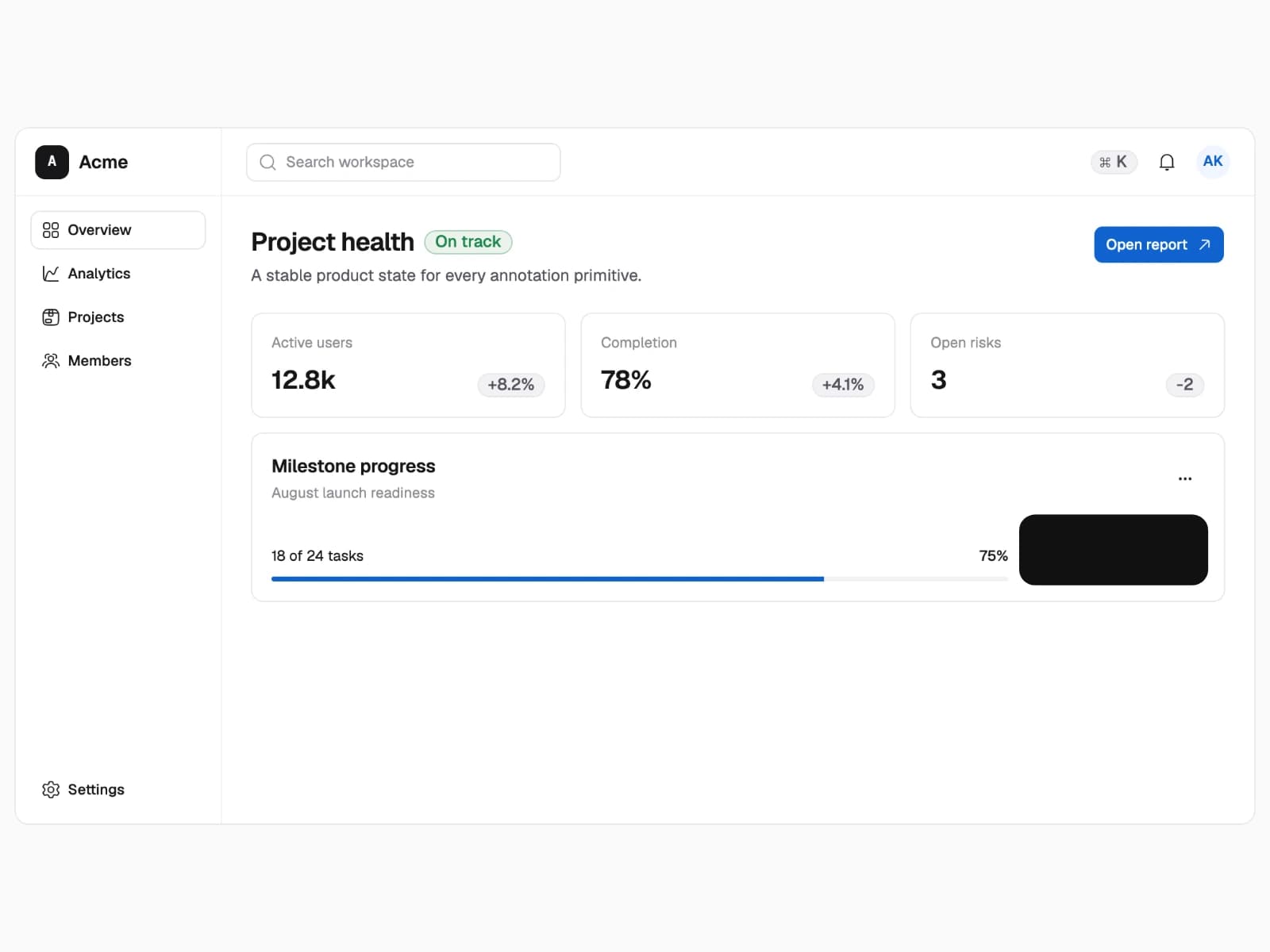
Use these when the reader needs an explanation, direction, emphasis, sequence, label, or privacy treatment.
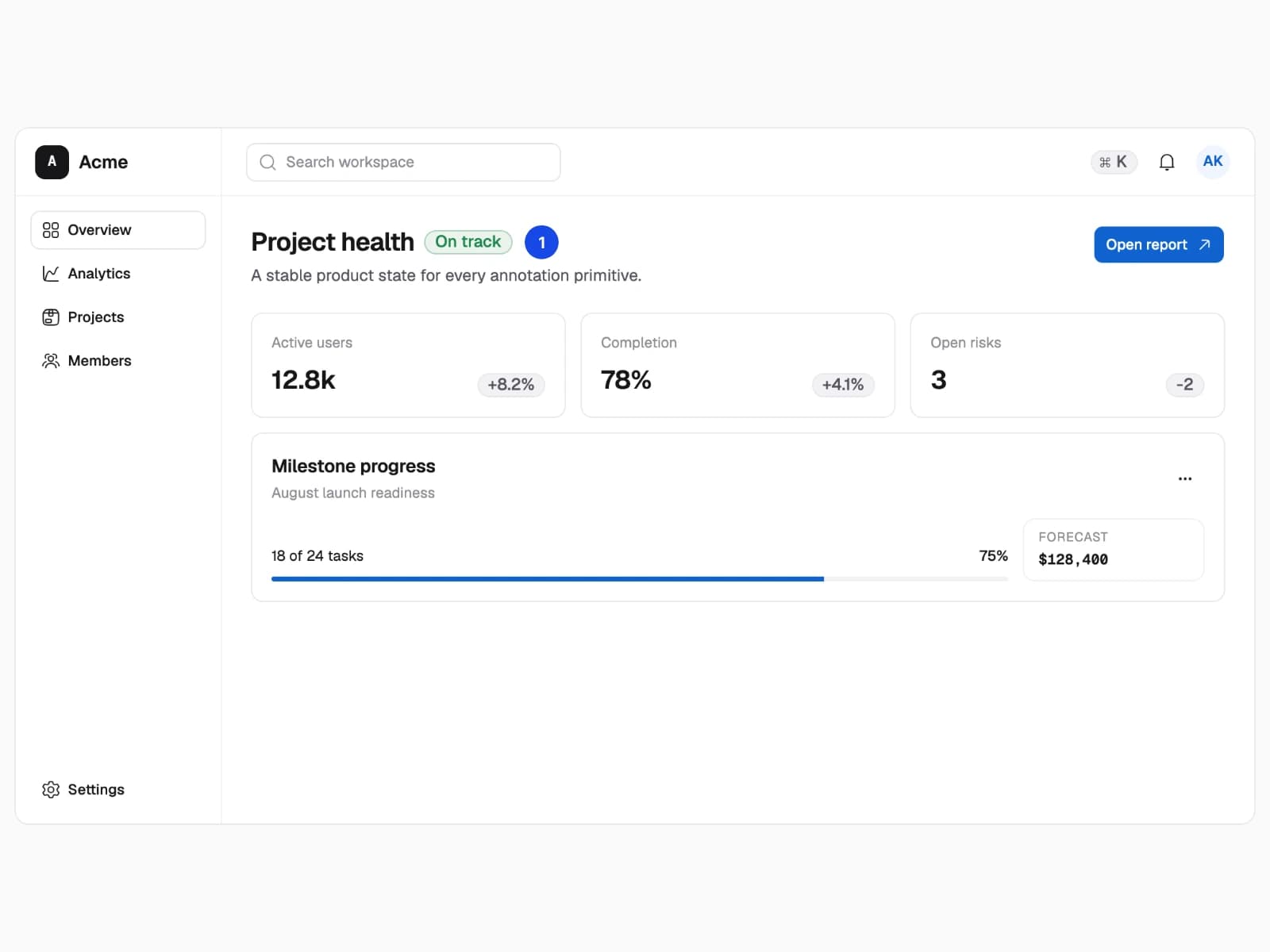
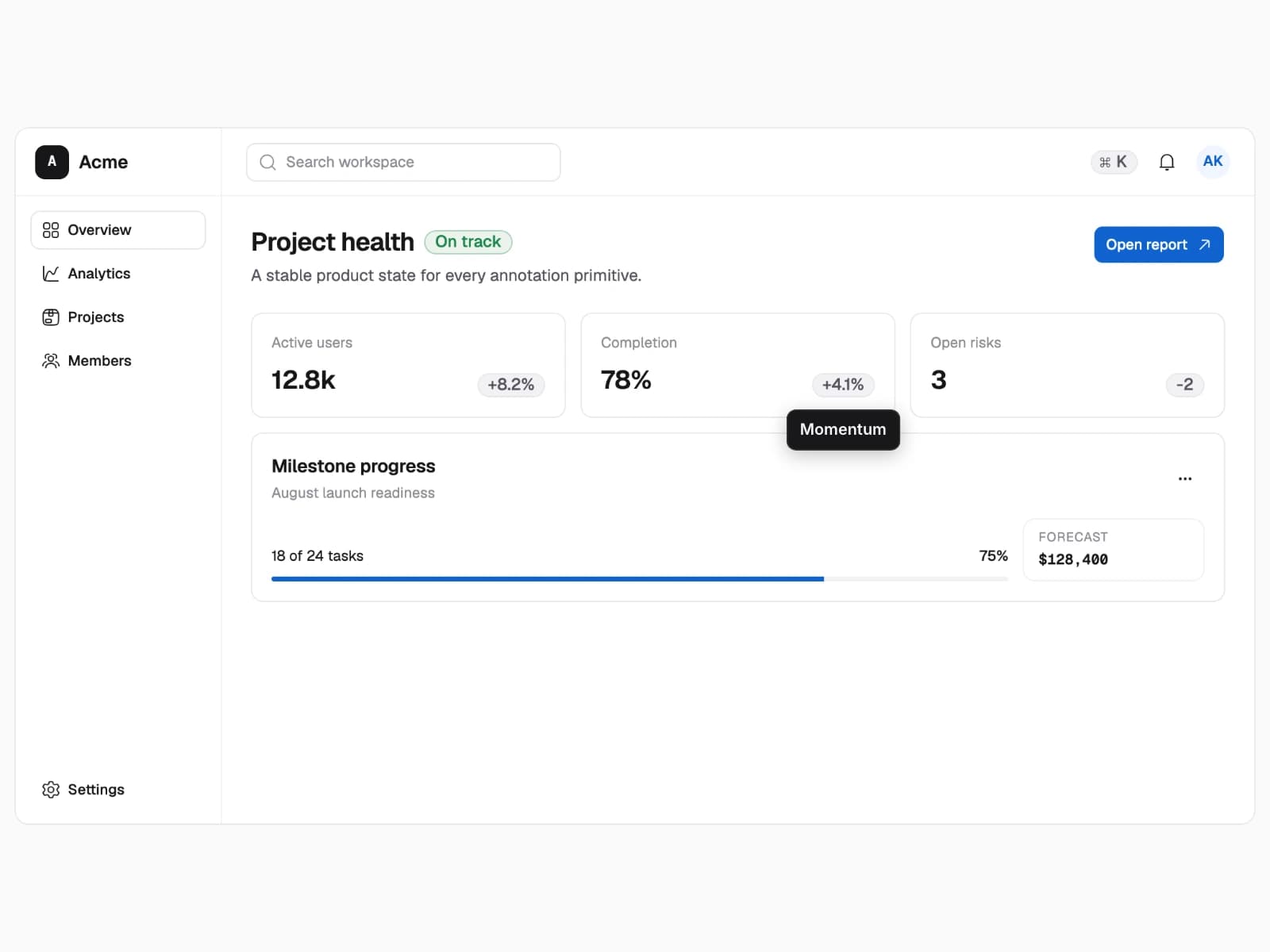
- The same dashboard with one annotation primitive at a time.
- Every primitive resolves against stable product geometry and renders offline.
- Only the annotation kind and its placement change.
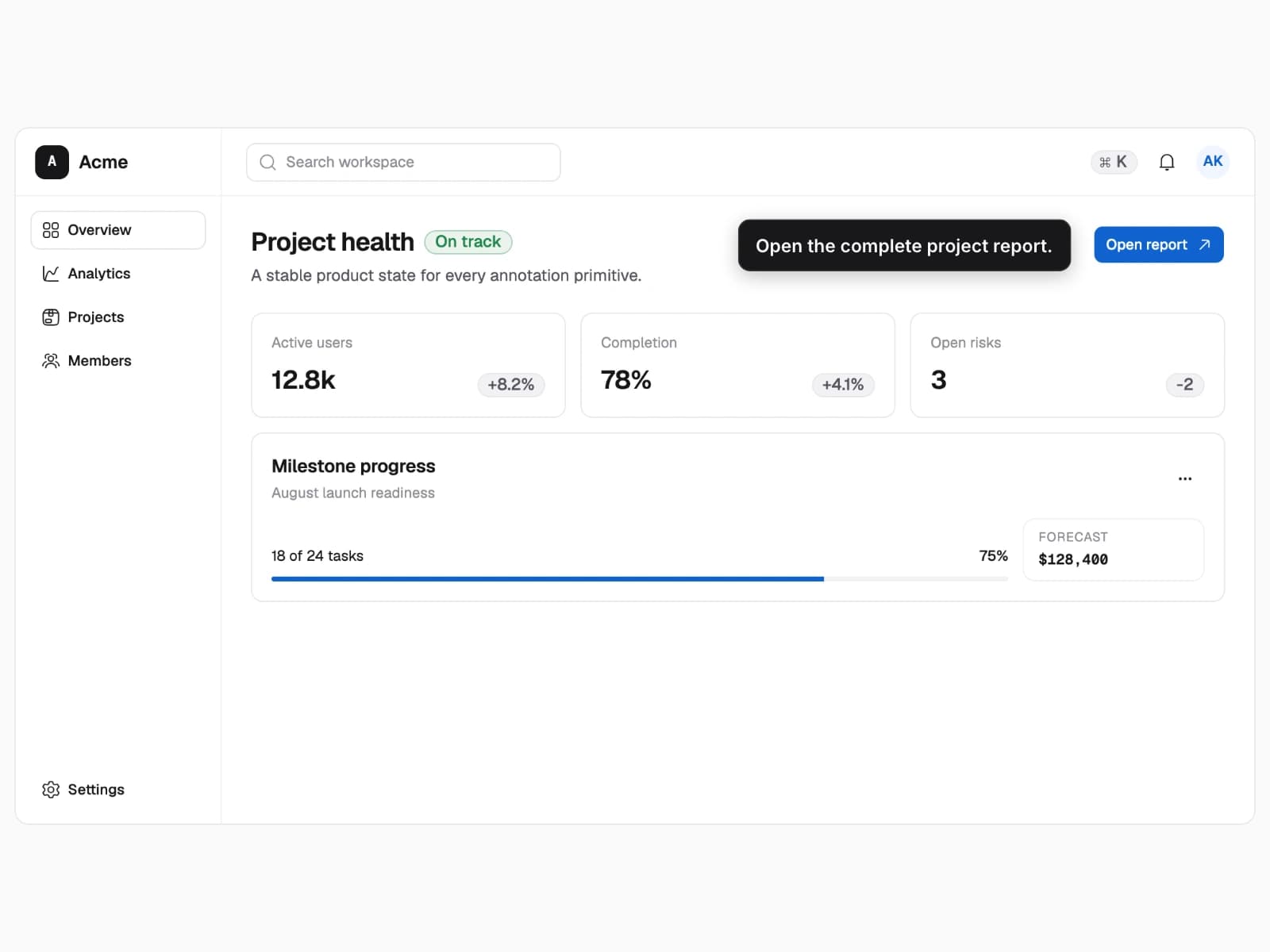
Callout
Attach durable explanatory copy to one stable product target.
- 1Name the target
- 2Place the explanation
3 recipes
Connector anchors
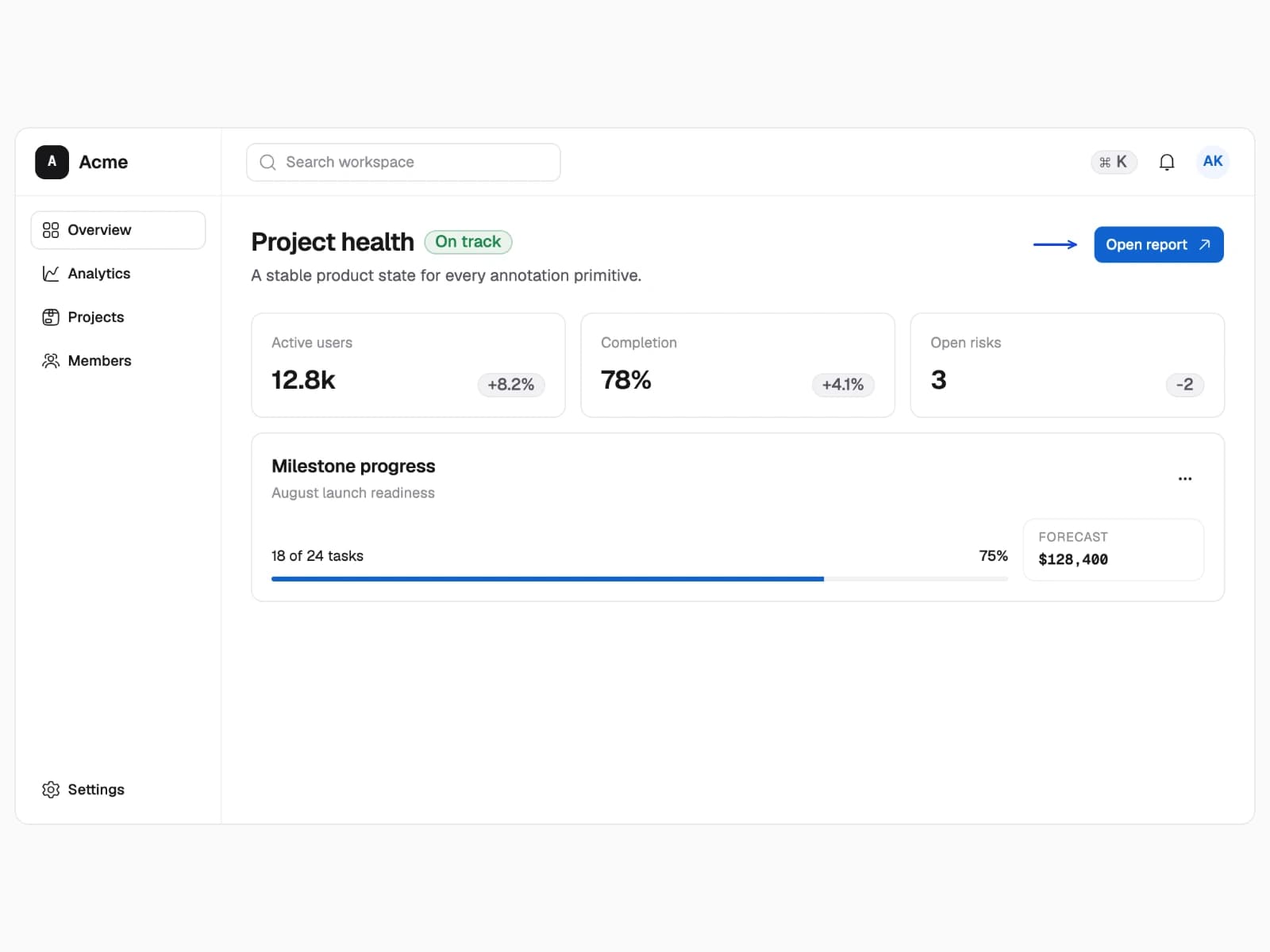
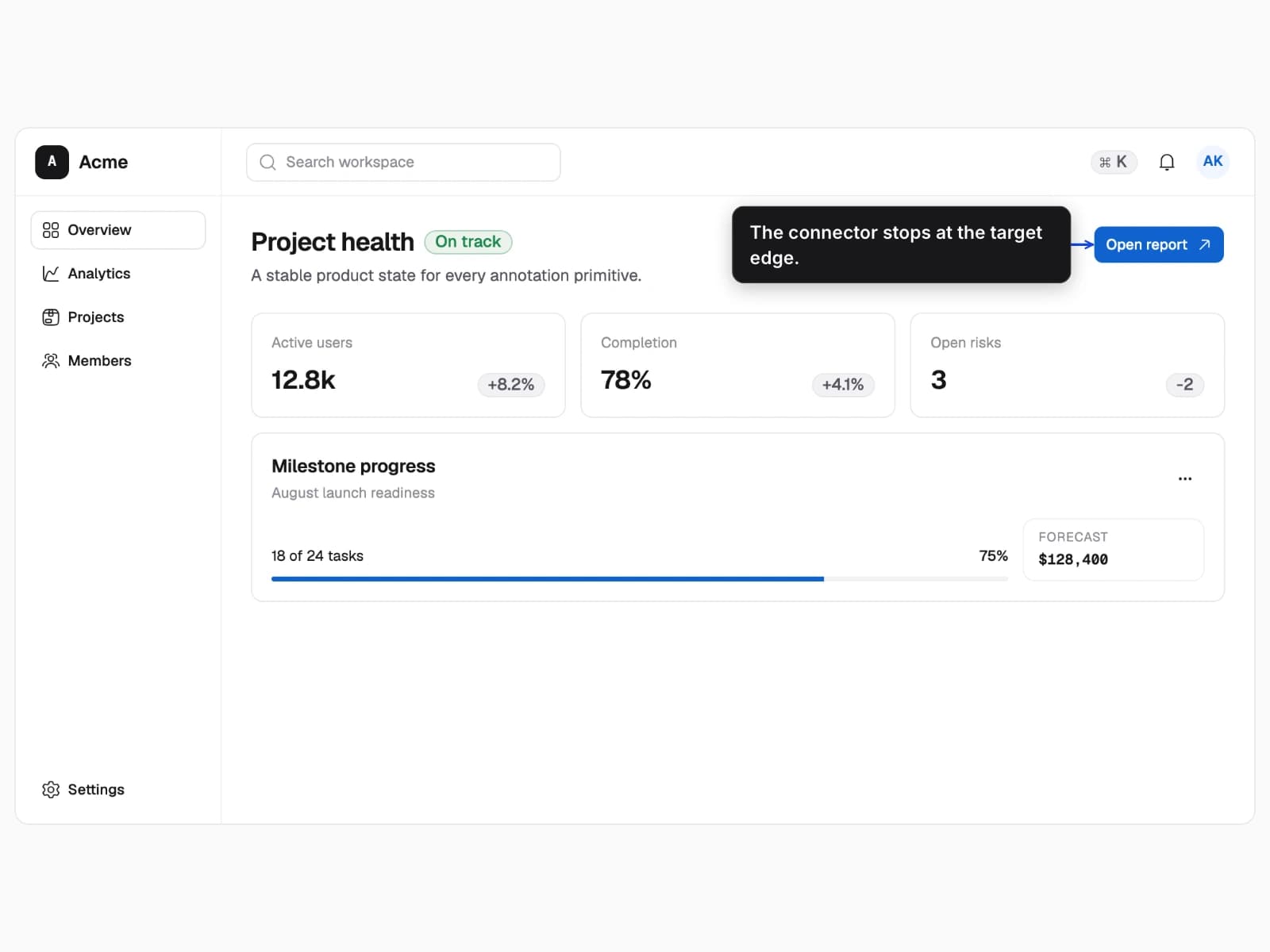
Use an edge anchor for a clean boundary relationship, a center anchor for the whole control, or a standalone arrow when copy is unnecessary.
- One product action with three connector treatments.
- Connectors remain attached to measured target geometry.
- The anchor and presence of explanatory copy change.
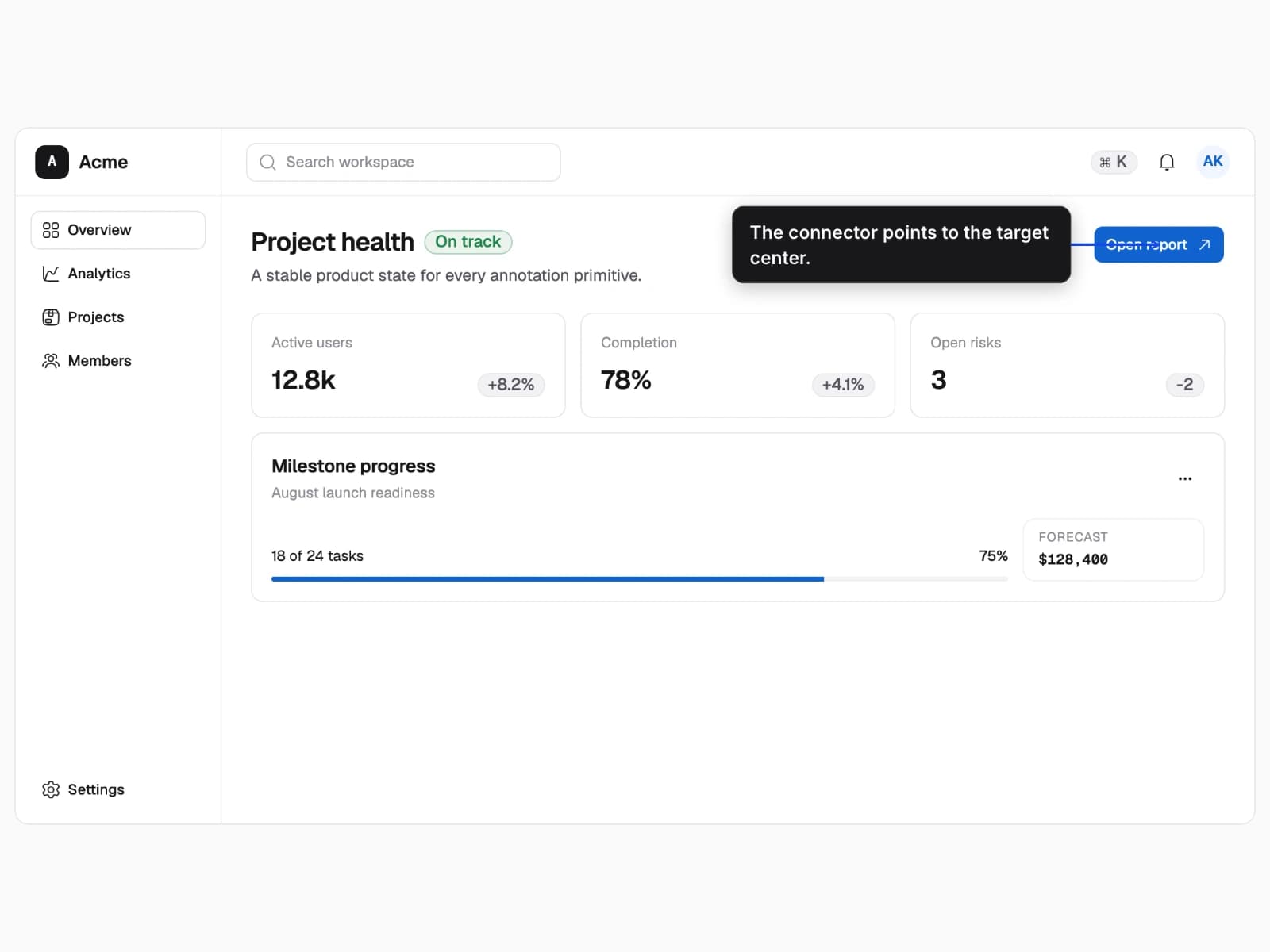
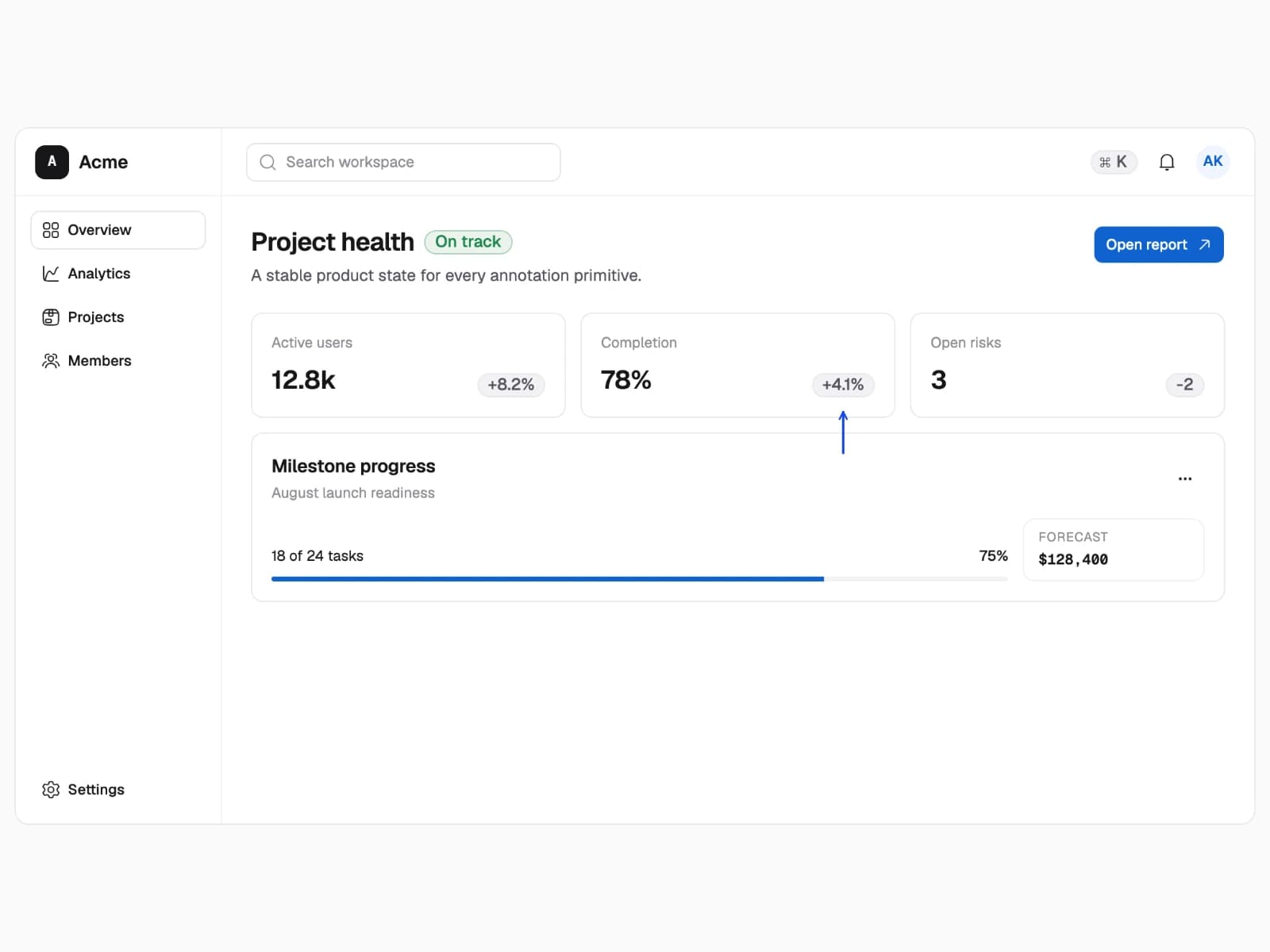
Edge anchor
Terminate the connector at the nearest target boundary for a clean relationship.
- 1Set connector to arrow
- 2Anchor at the edge
3 recipes
Emphasis treatments
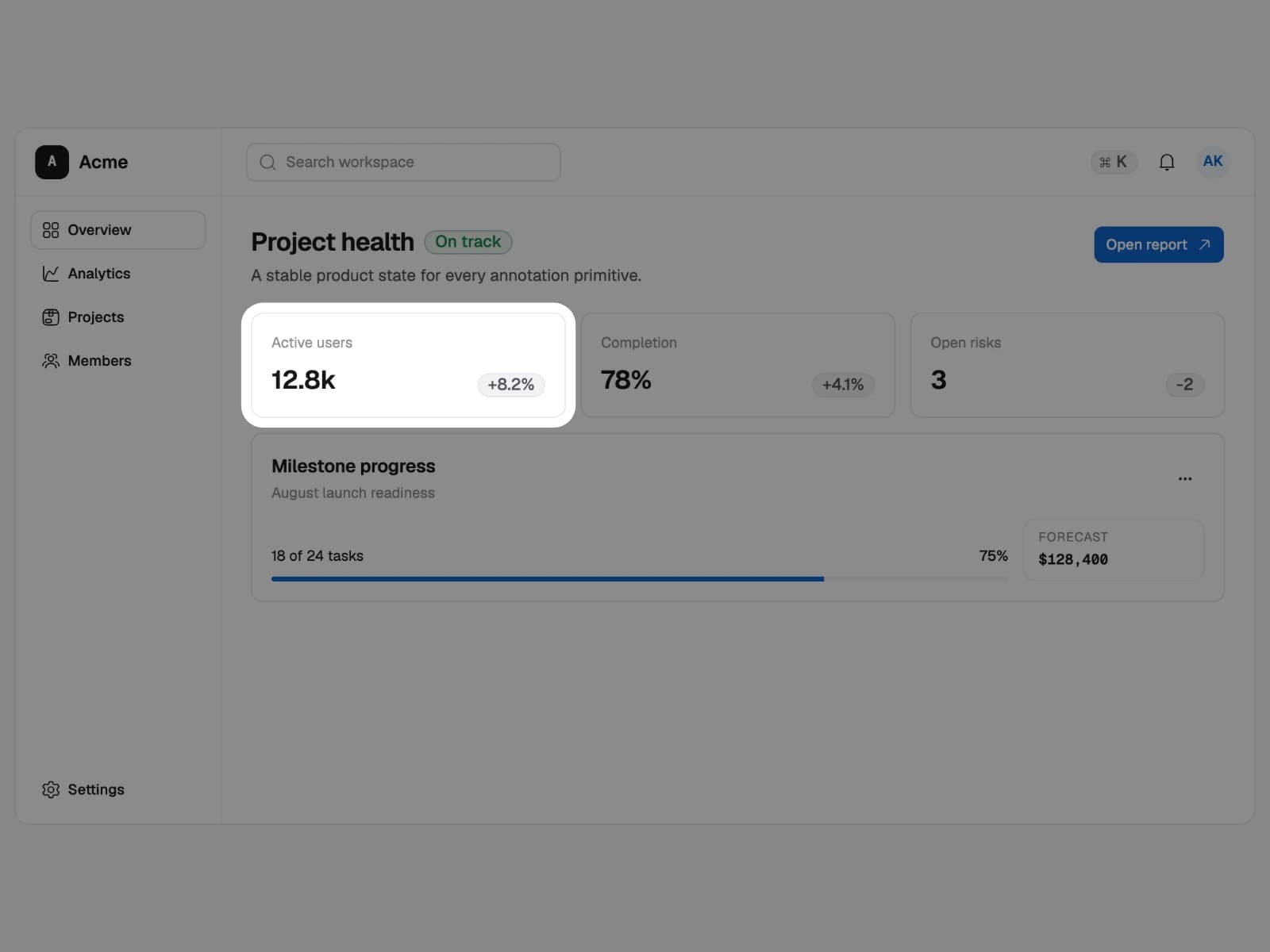
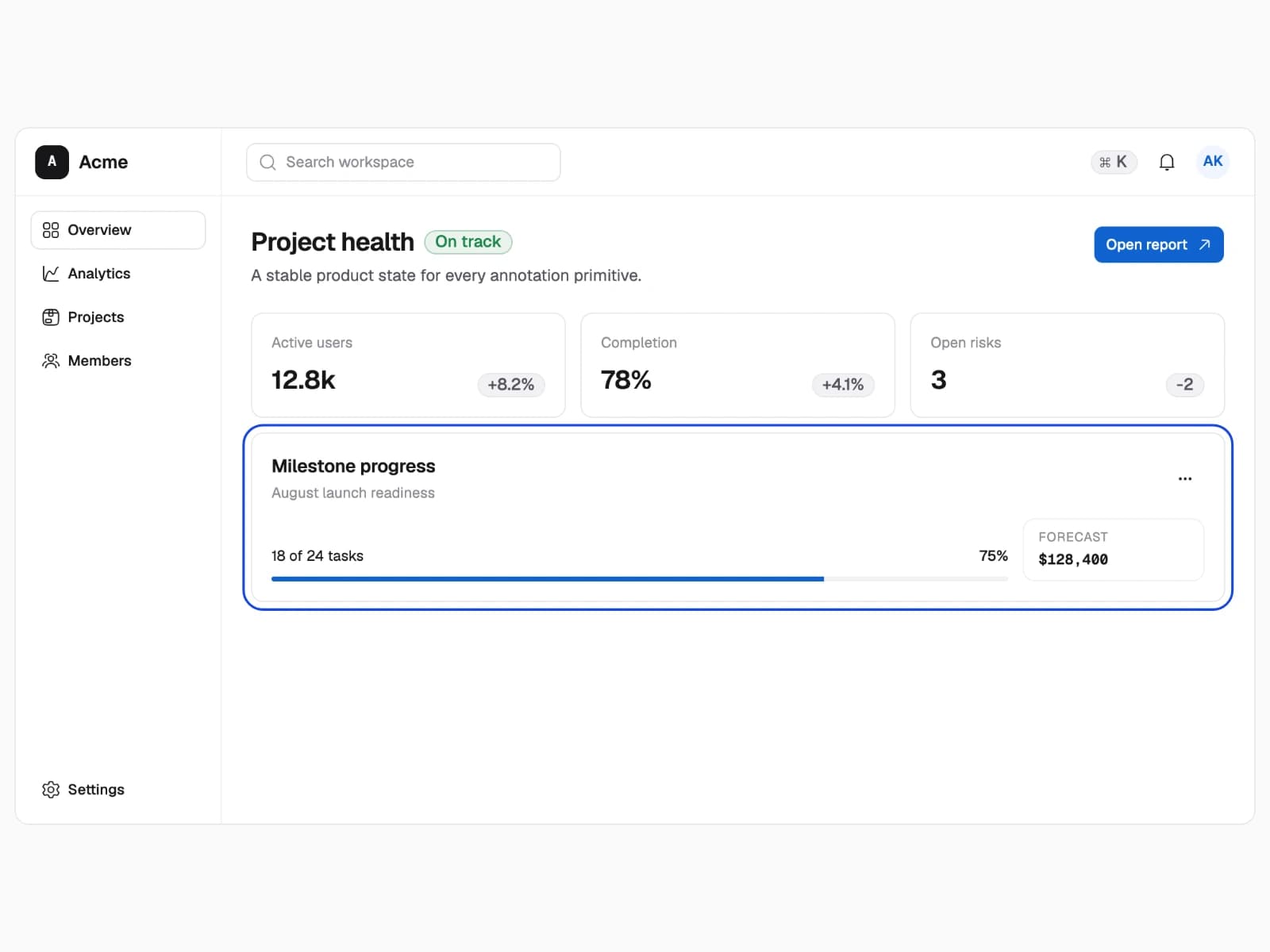
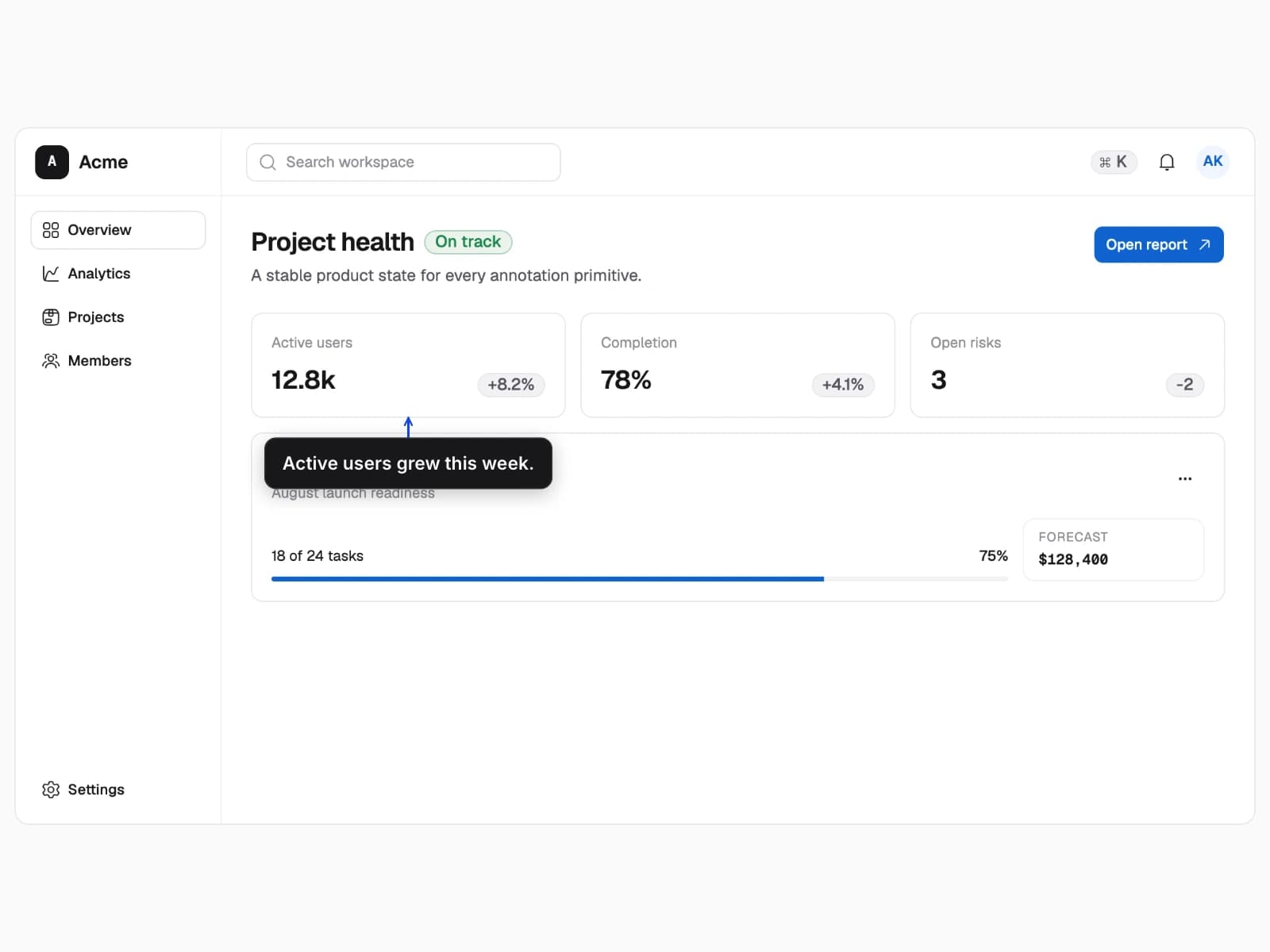
Use plain composition when context matters, spotlight when distractions should recede, and outline when the boundary matters.
- One clean captured scene recomposed three ways.
- Annotation-only edits do not require another browser capture.
- Only the offline emphasis layer changes.
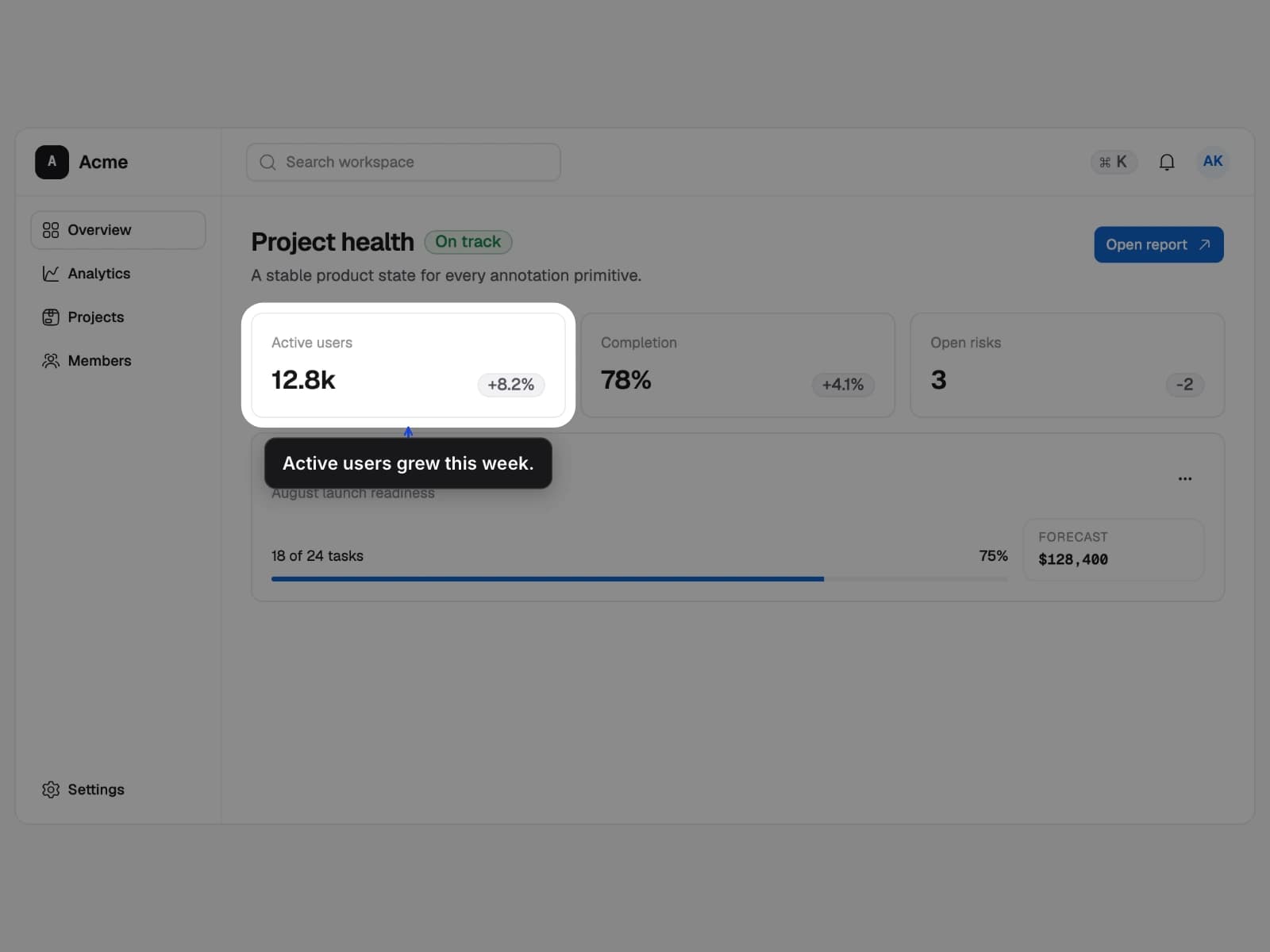
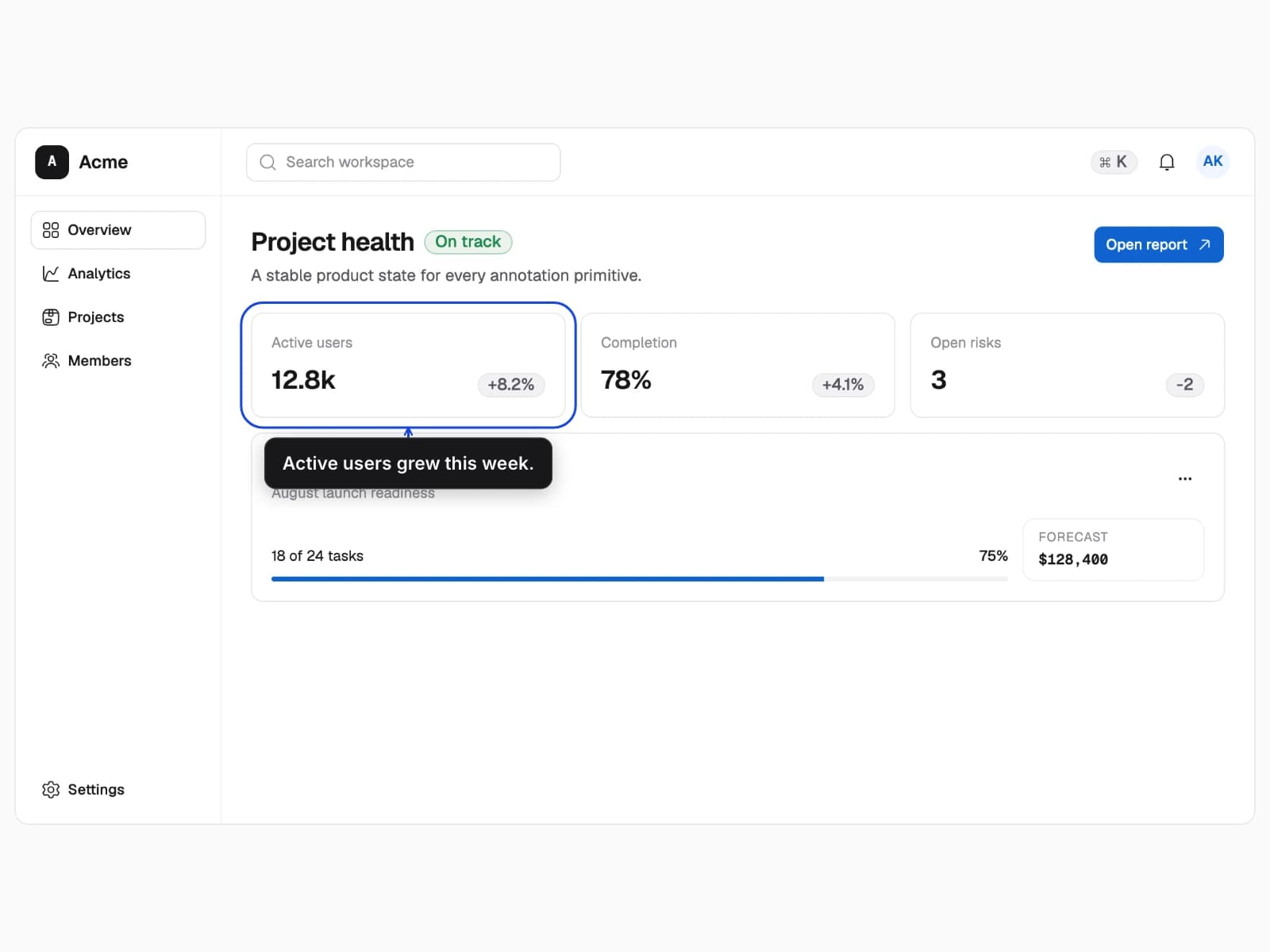
Spotlight emphasis
Pair a callout with a spotlight to suppress competing interface details.
- 1Reuse the same capture
- 2Add spotlight emphasis