Examples
Start with the story you need to publish.
Each example begins with the visible result, explains what GuideShot proves, and lets you inspect the exact recipes that generated it.
Open annotation referenceLocalization and themes
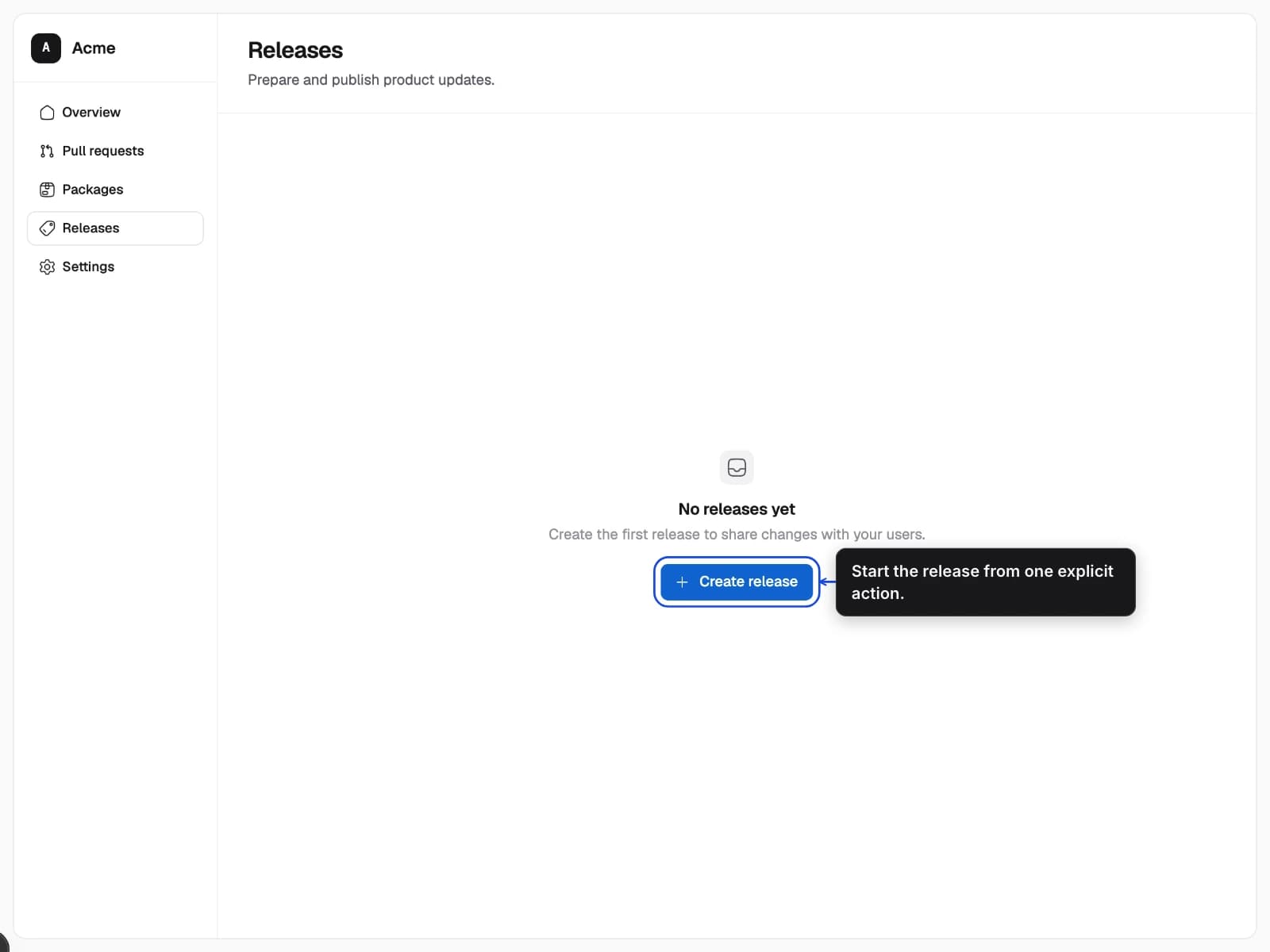
One connected guide expands into every declared language and color scheme. Change a matrix property to switch the published artifacts without recapturing the page.
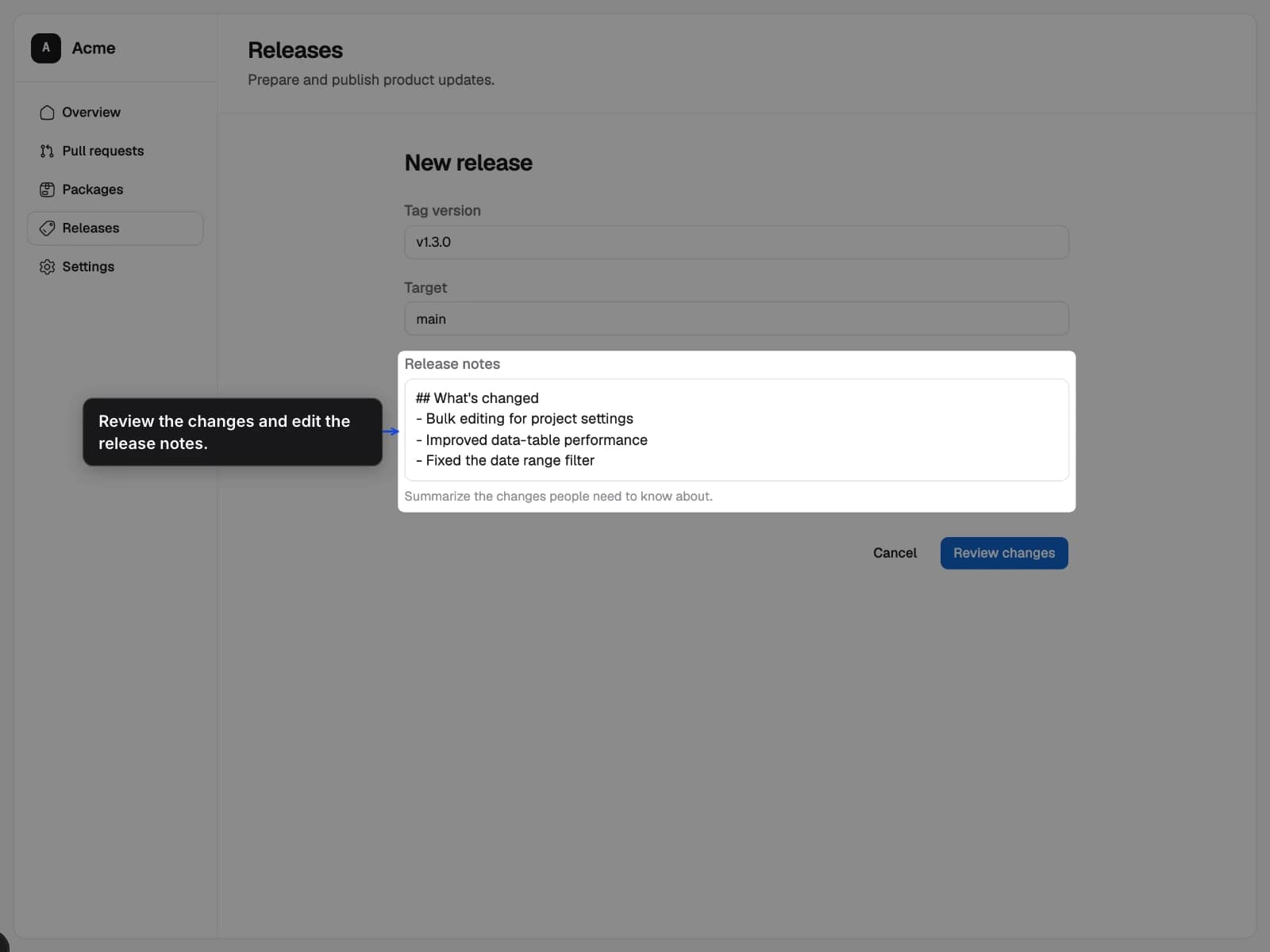
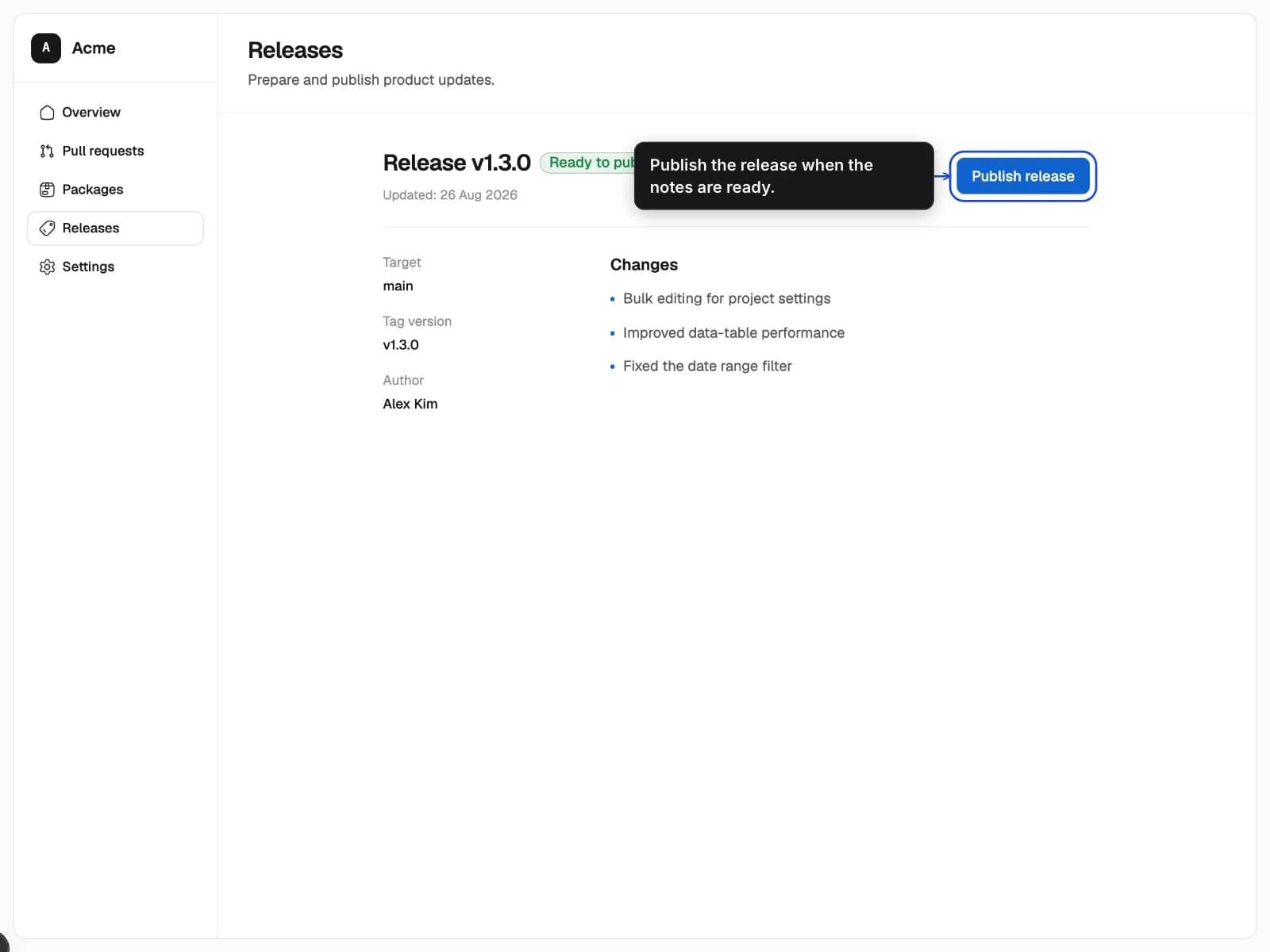
- A three-step release flow captured from the same product workspace.
- One recipe matrix publishes every requested language and color scheme.
- The product copy, annotation copy, alt text, and theme change together.
Review changes
Set the version, target, and notes before anything is published.
- 1Add the release details
- 2Review the release notes
Device-specific artifacts
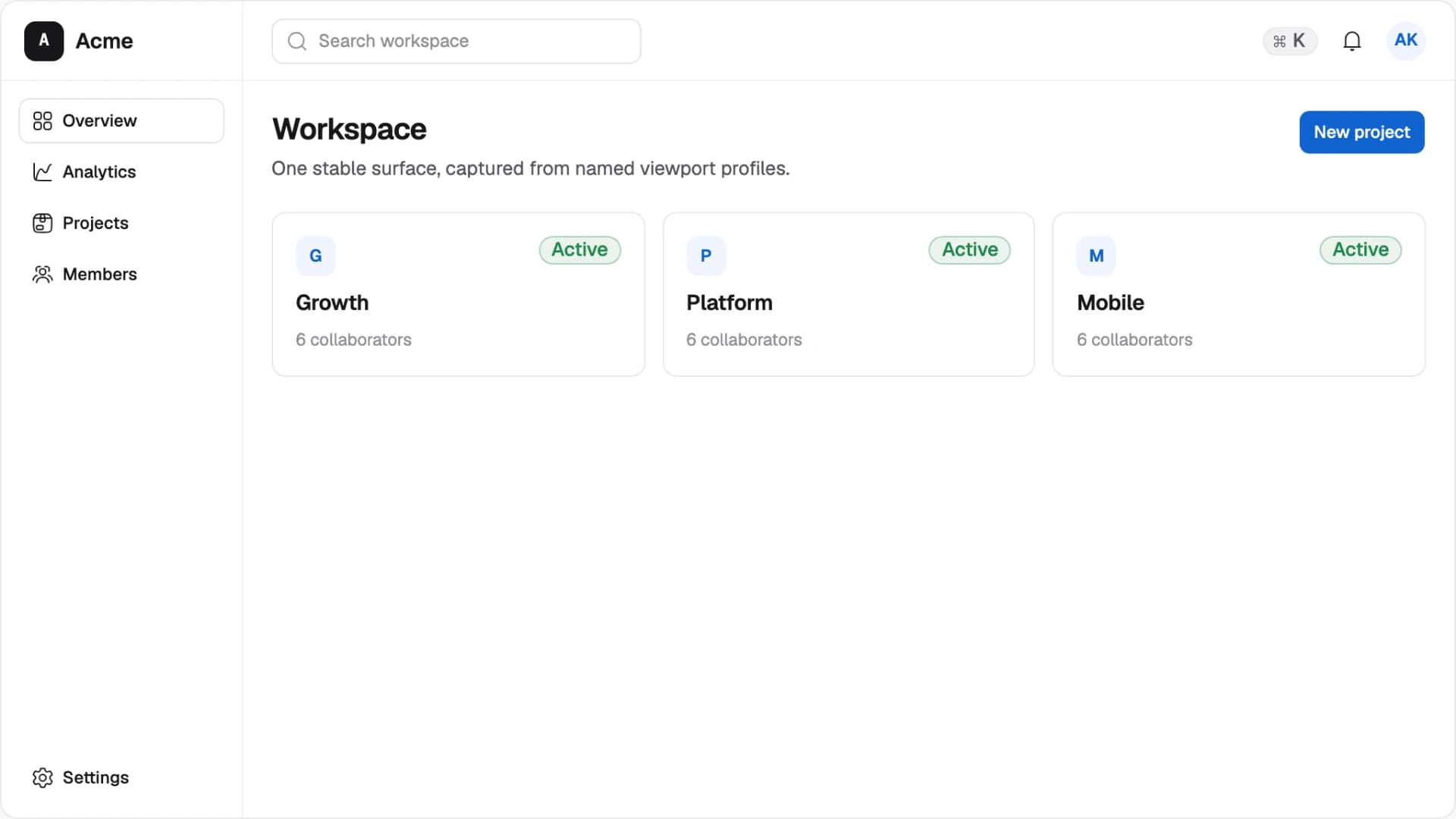
Publish a wide desktop guide, a 4:3 tablet guide, and a portrait phone guide from explicit profiles and artifact ratios.
- The same workspace presented at desktop, tablet, and mobile sizes.
- The browser viewport and final artifact ratio are independent, validated contracts.
- Navigation, density, intrinsic dimensions, and aspect ratio change by device.
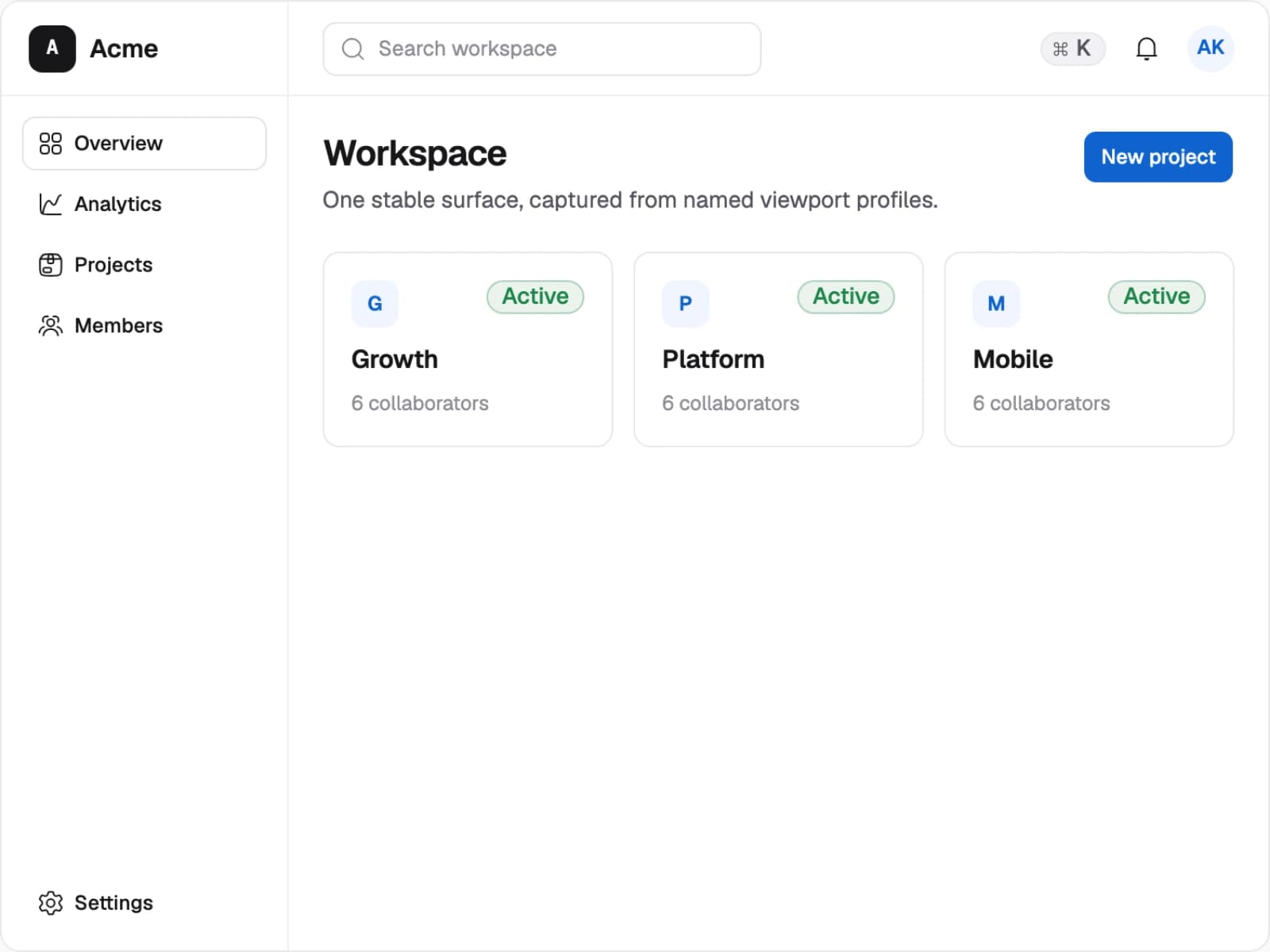
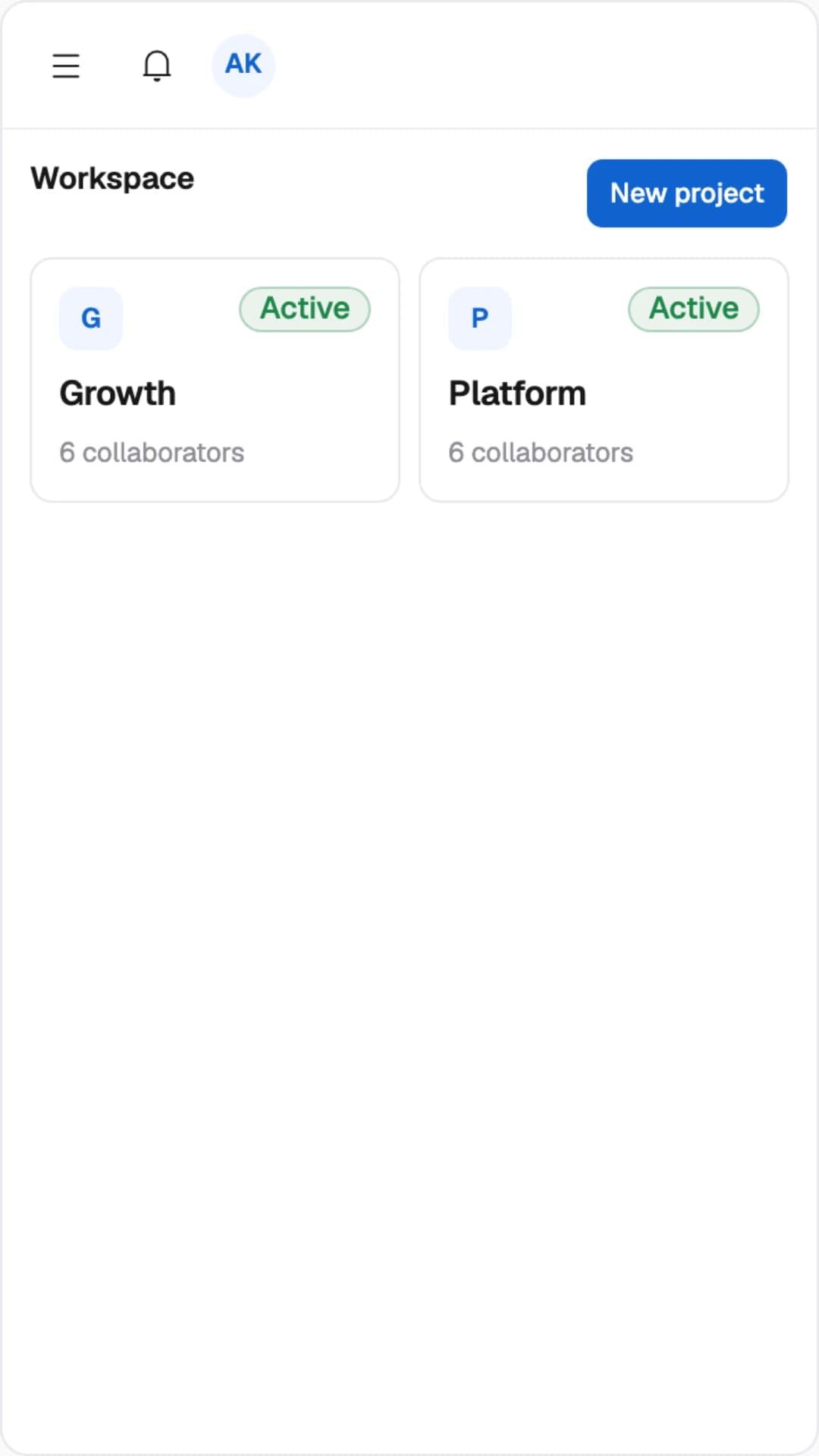
Desktop profile
A 1280×960 browser viewport publishes a true 16:9 desktop artifact.
- 11920×1080 output
- 2Persistent navigation is visible
Authenticated and prepared state
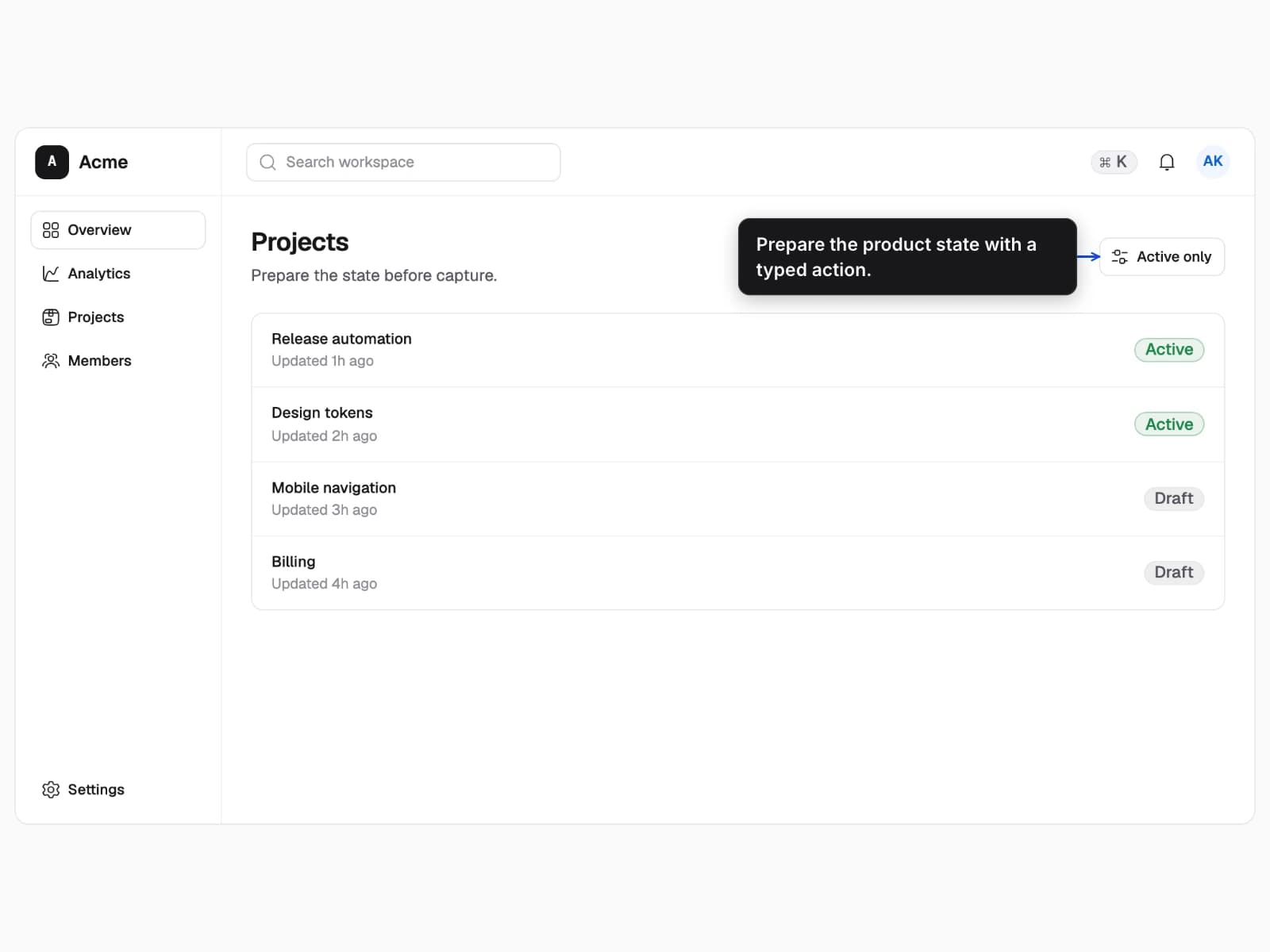
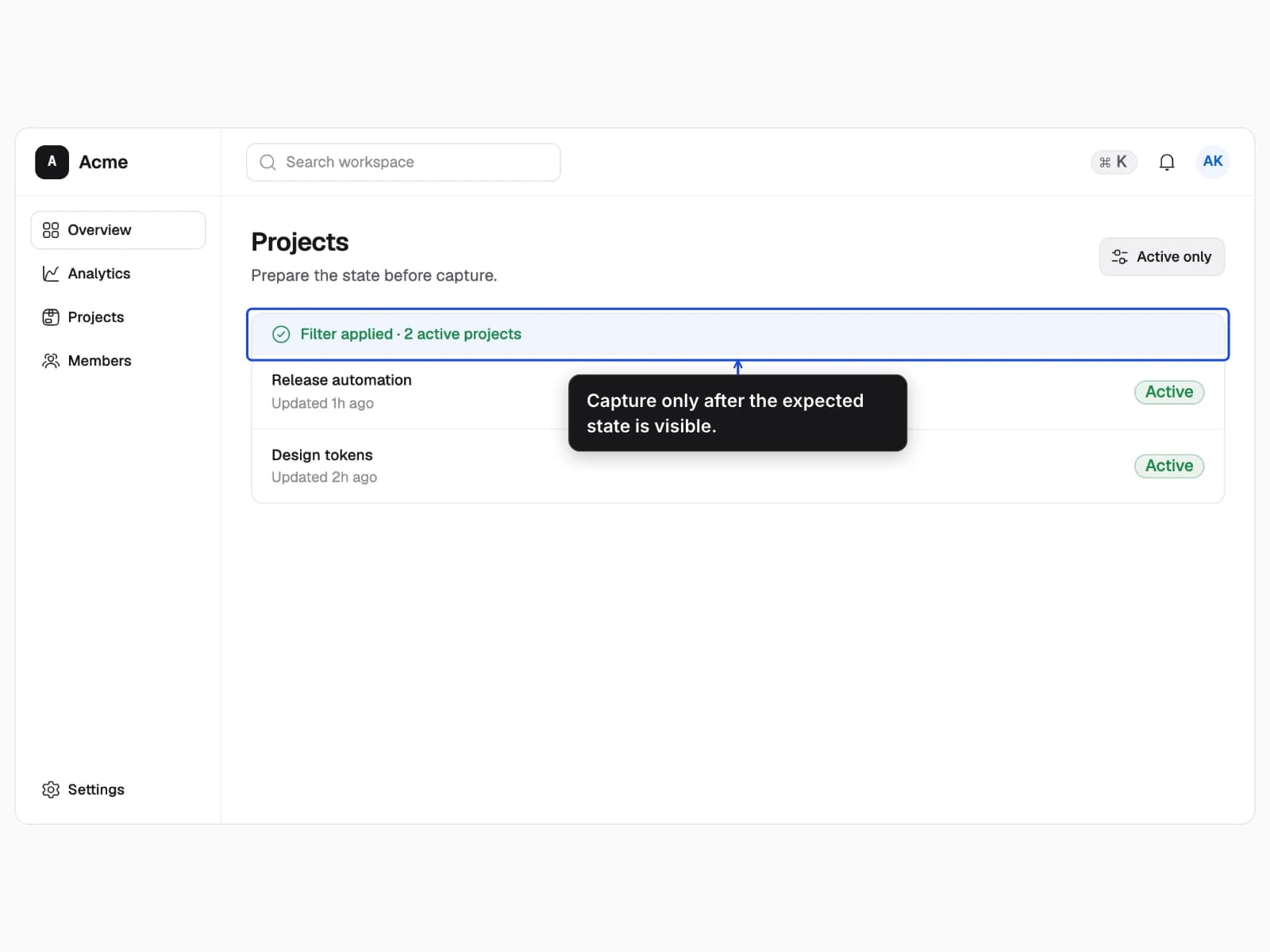
Start with an isolated browser, install a synthetic session, perform a real action, and prove the result before capture.
- A public workspace, an authenticated workspace, and a projects list before and after filtering.
- Scenarios establish safe domain state while typed actions and readiness checks establish visible UI state.
- Identity, workspace access, visible rows, and the verified confirmation change.
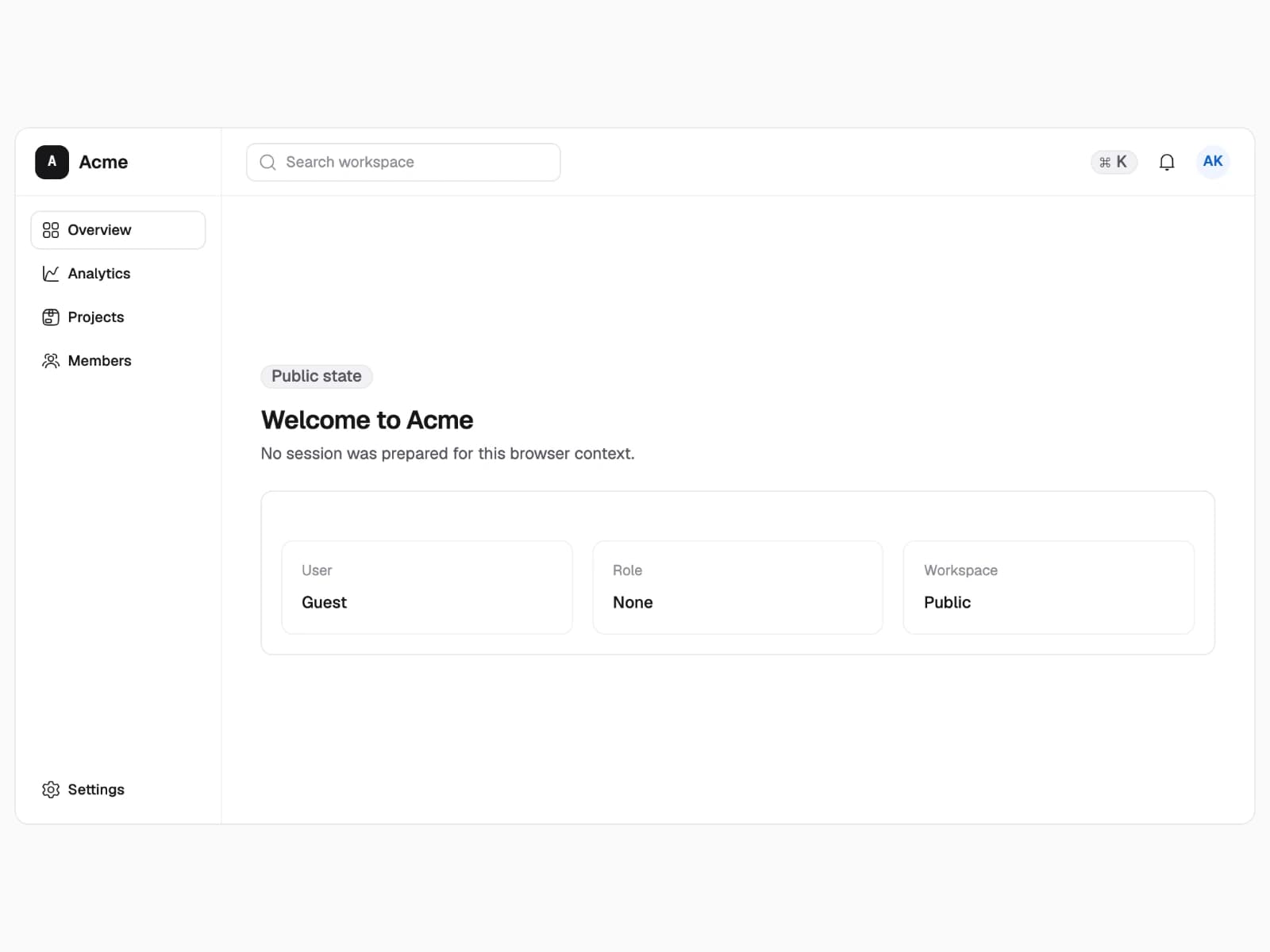
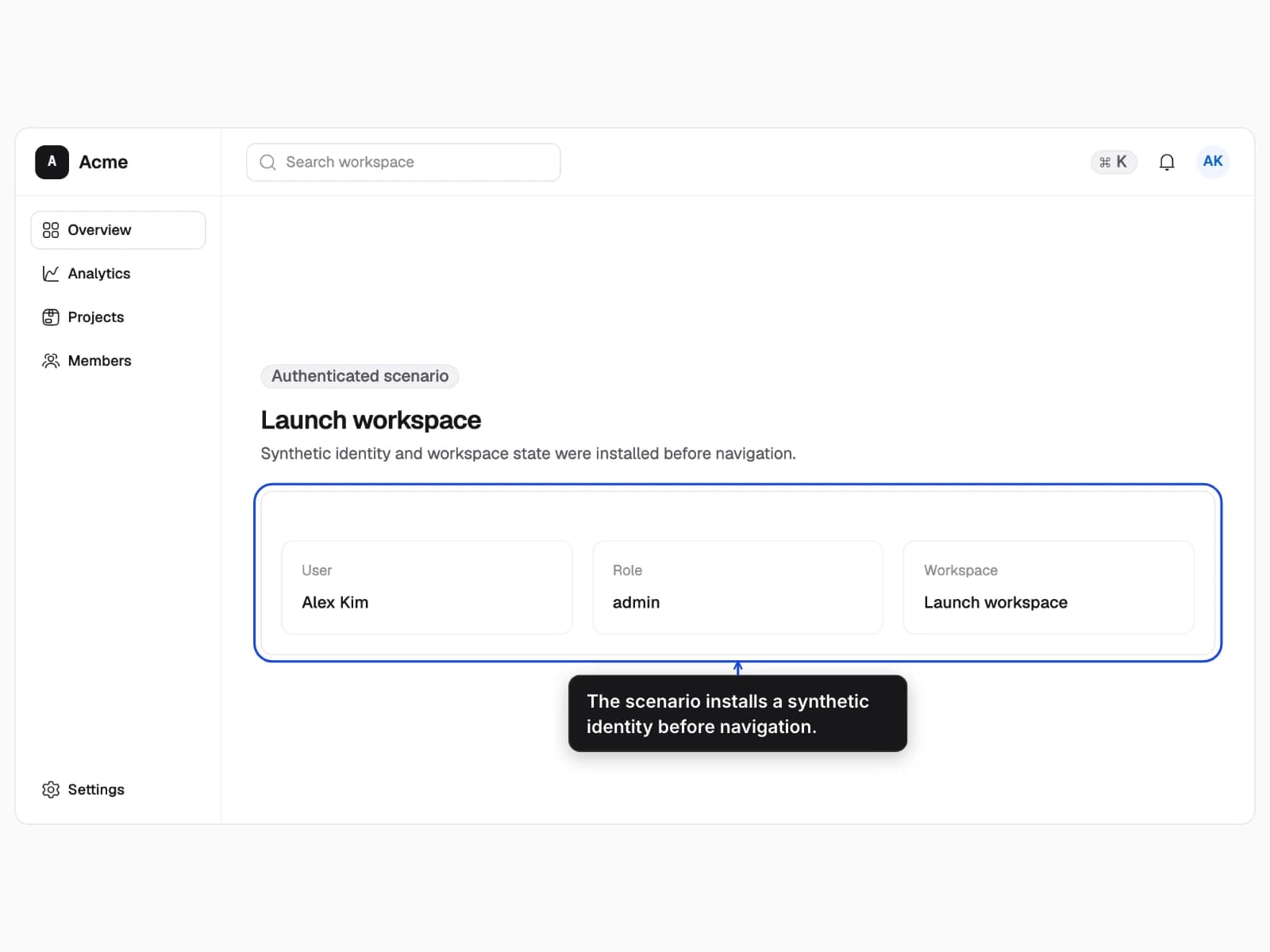
Install synthetic state
A reviewed scenario installs a synthetic user, role, and workspace before the page loads.
- 1Prepare the isolated session
- 2Verify the named workspace
Frame the right context
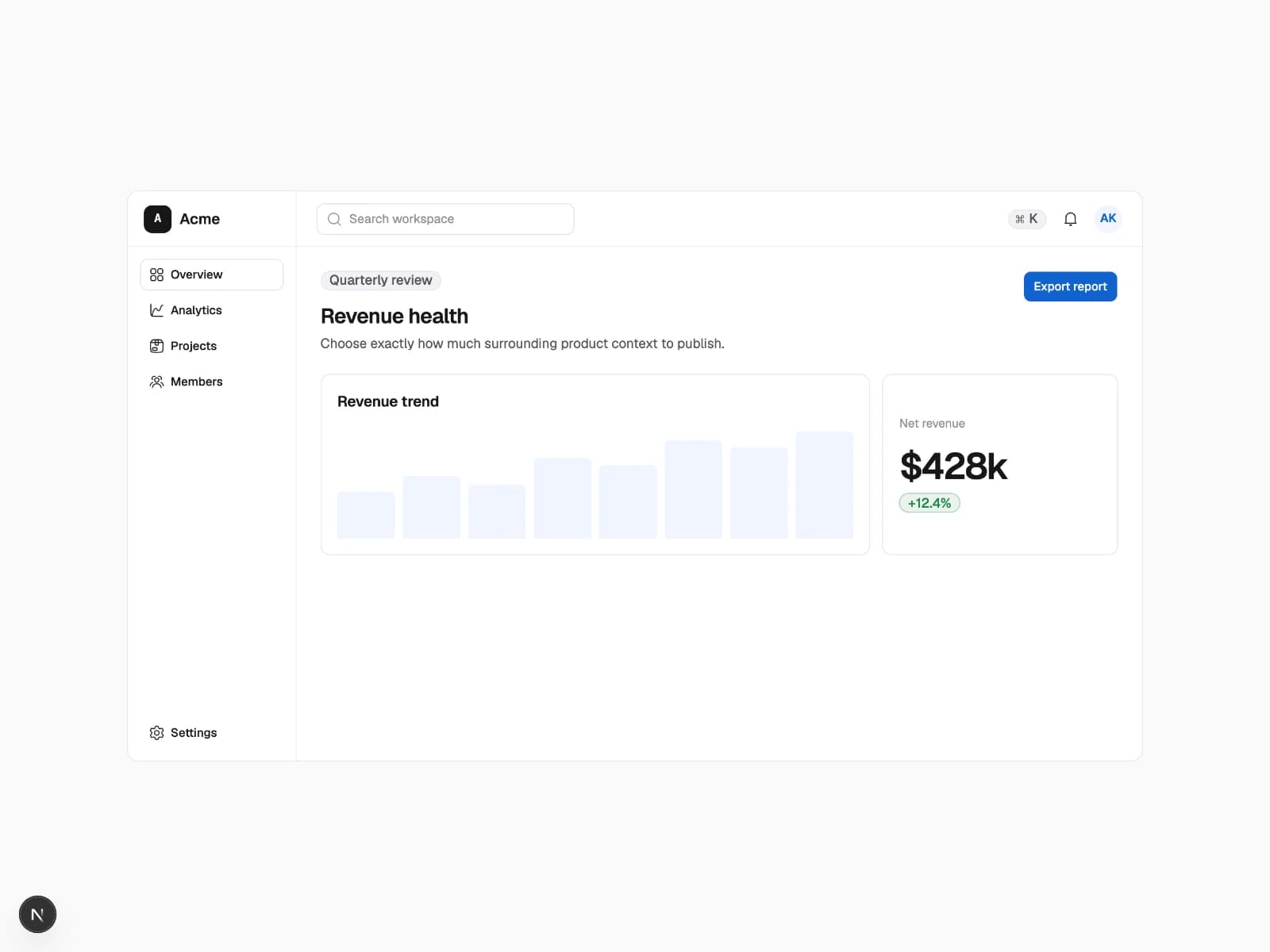
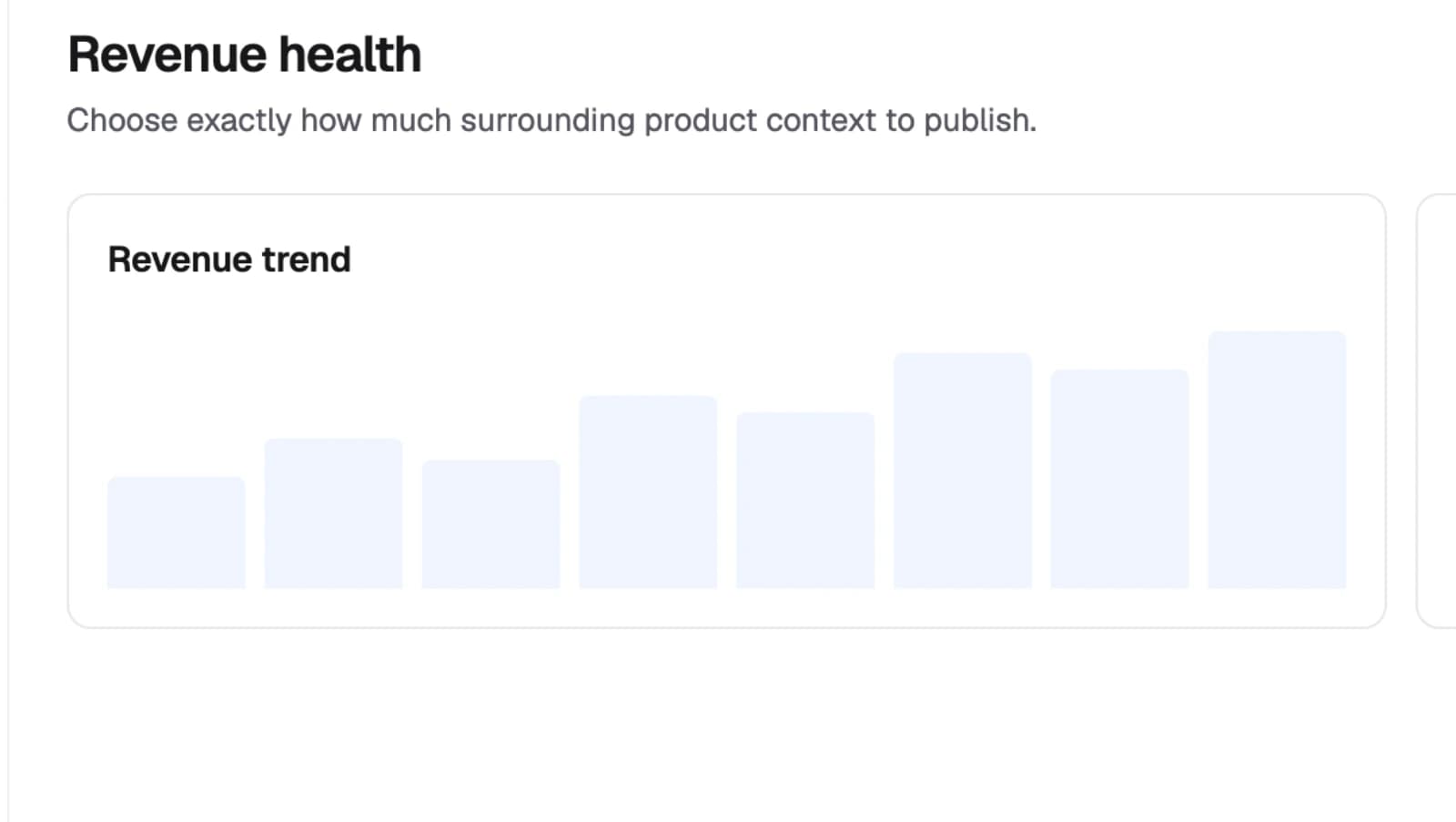
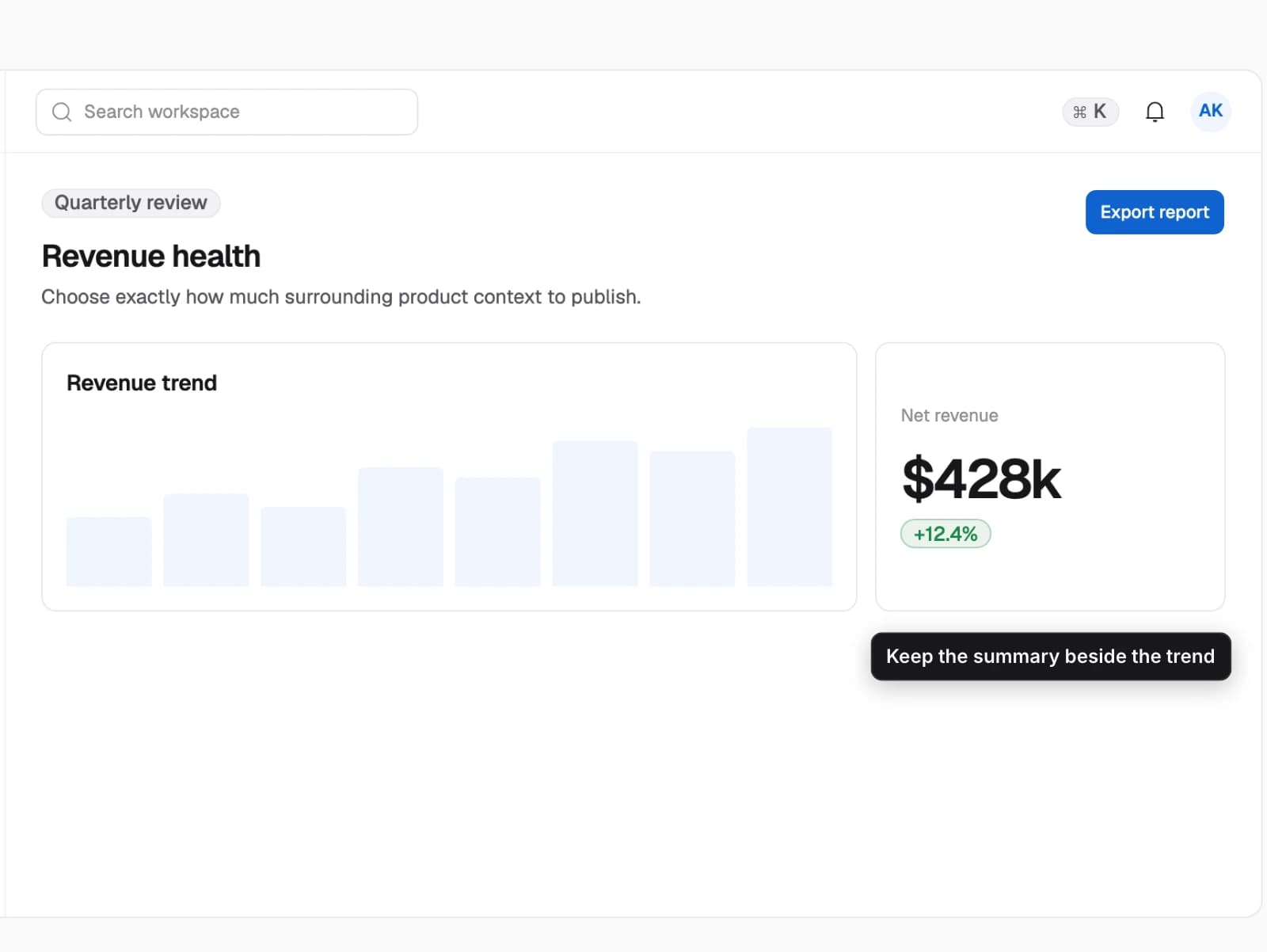
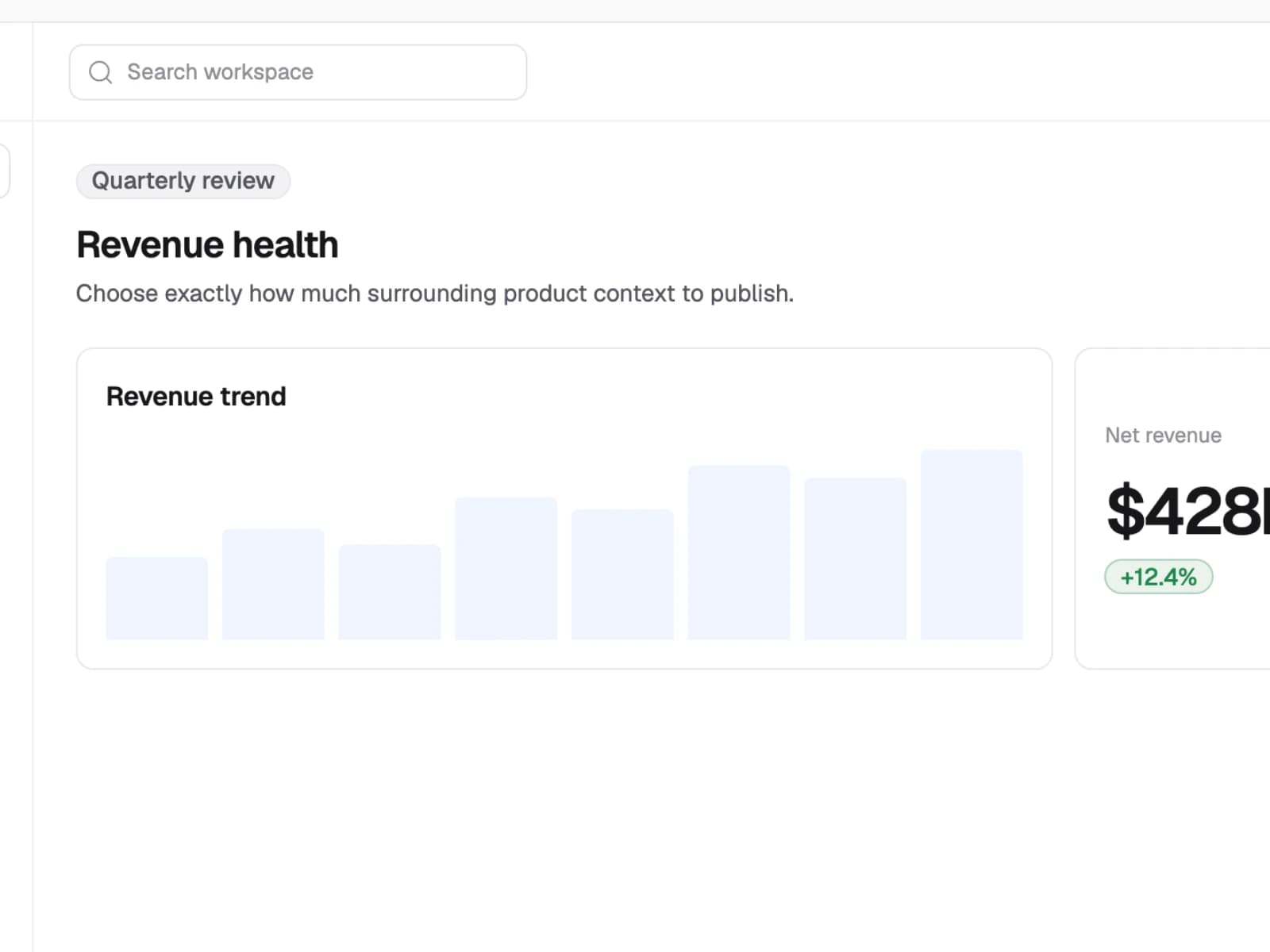
Choose the full viewport, complete page, one target, related targets, or an explicit region based on what the reader needs to understand.
- One revenue workspace published with five deliberate framing strategies.
- Stable target geometry replaces manual image cropping and keeps the requested ratio intact.
- The amount of surrounding product context and the final artifact shape change.
Focus on one product region
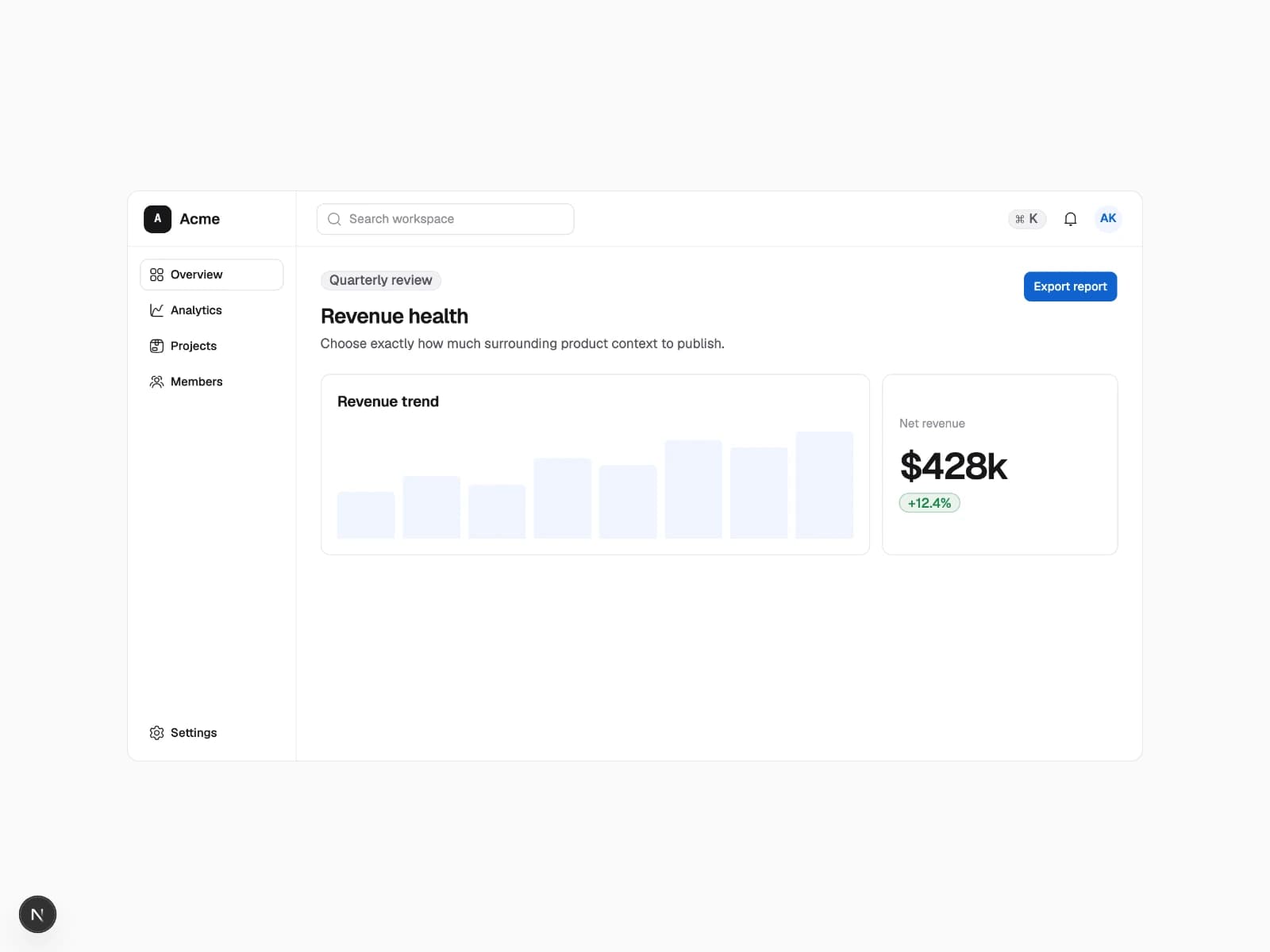
A stable target creates a focused widescreen artifact without a fragile crop.
- 1Resolve the revenue panel
- 2Expand to a 16:9 frame
Feature and role matrices
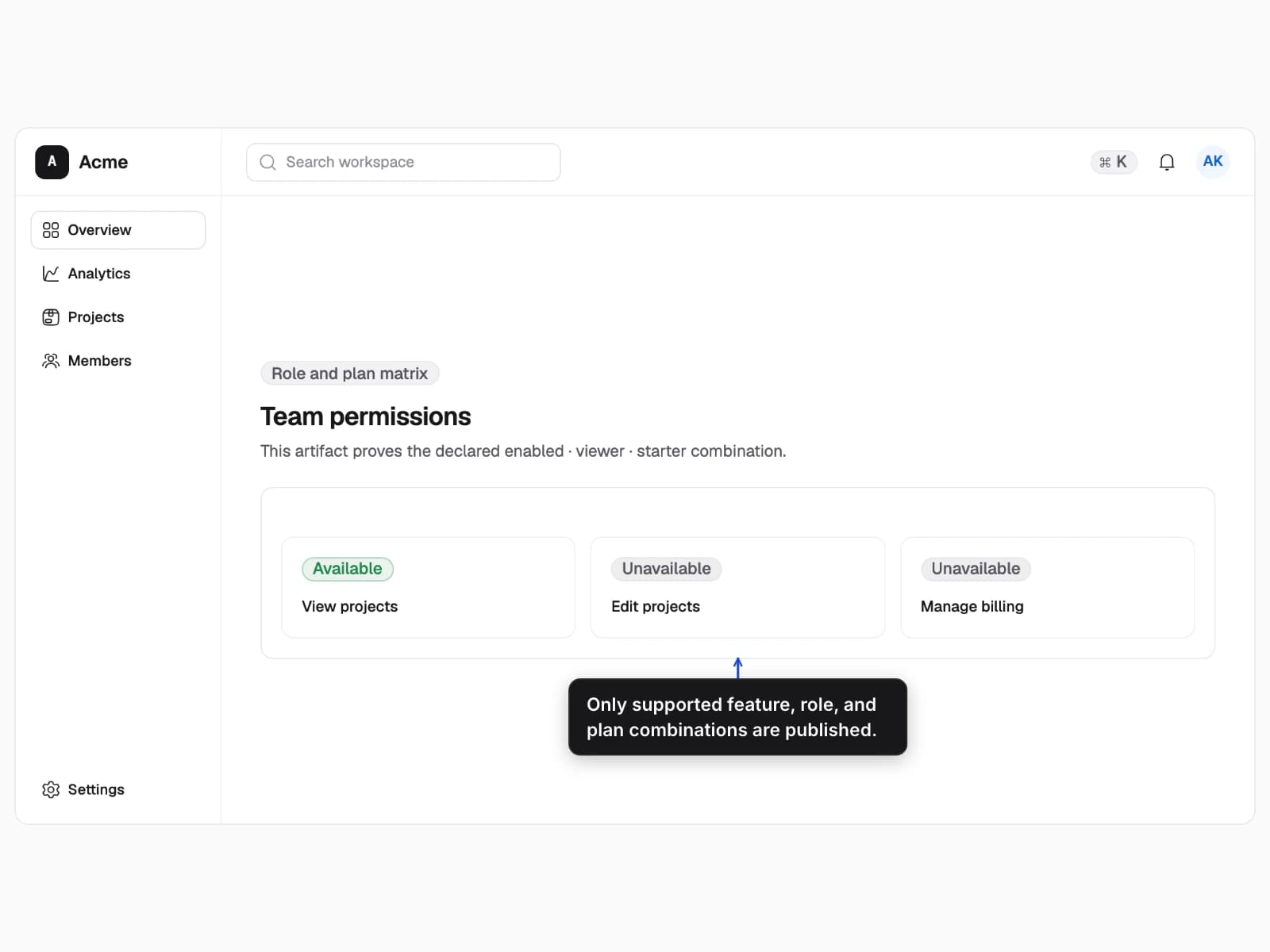
Generate only supported rollout, role, and plan combinations while keeping one explicit control baseline.
- A permissions panel whose available actions follow the selected audience.
- Matrix exclusions remove impossible states and an inclusion restores one reviewed baseline.
- The rollout, role, plan, and resulting permissions change together.
Publish only supported audiences
One recipe expands into the feature, role, and plan combinations the product actually supports.
- 1Exclude impossible combinations
- 2Include the explicit control baseline
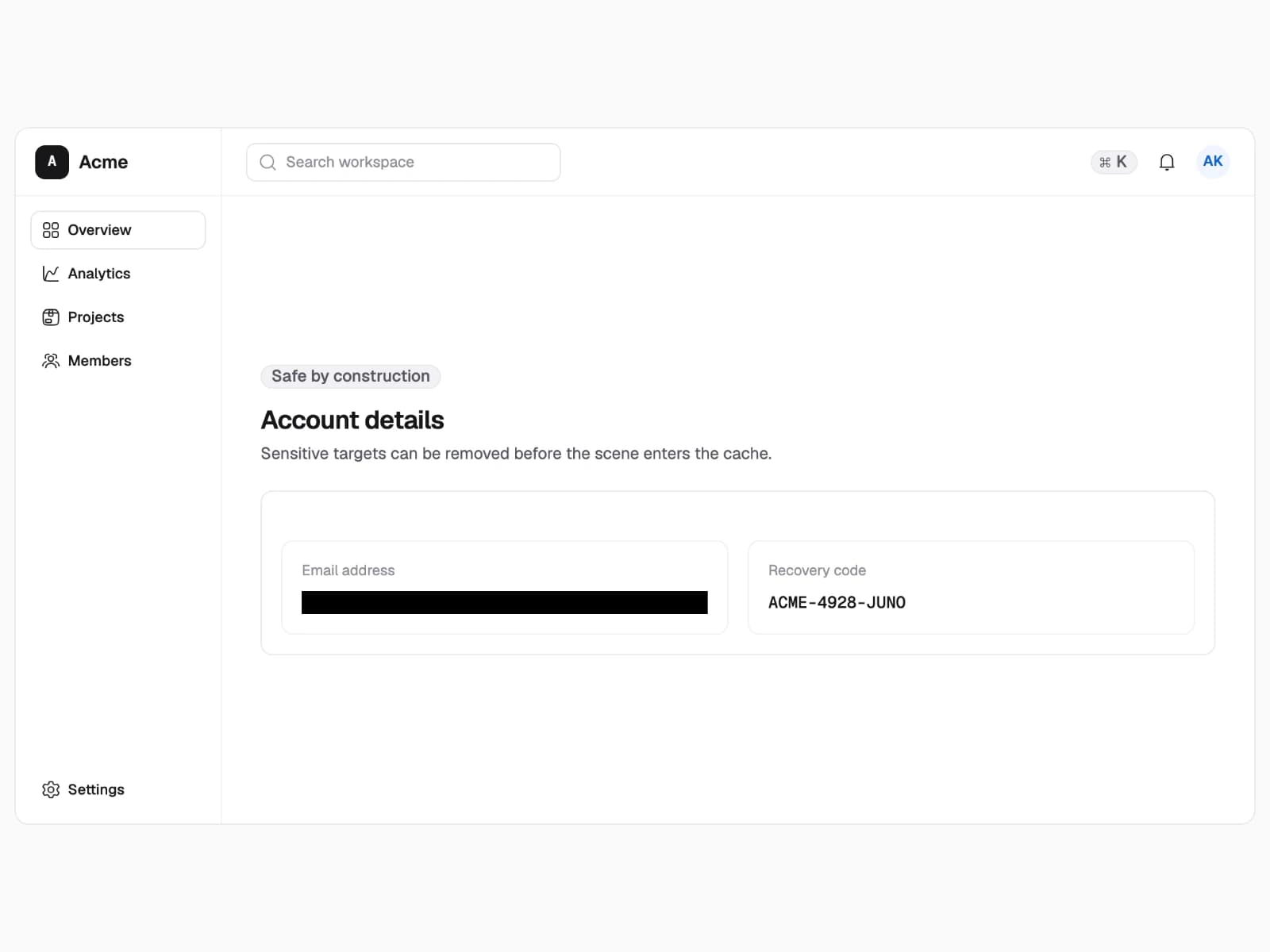
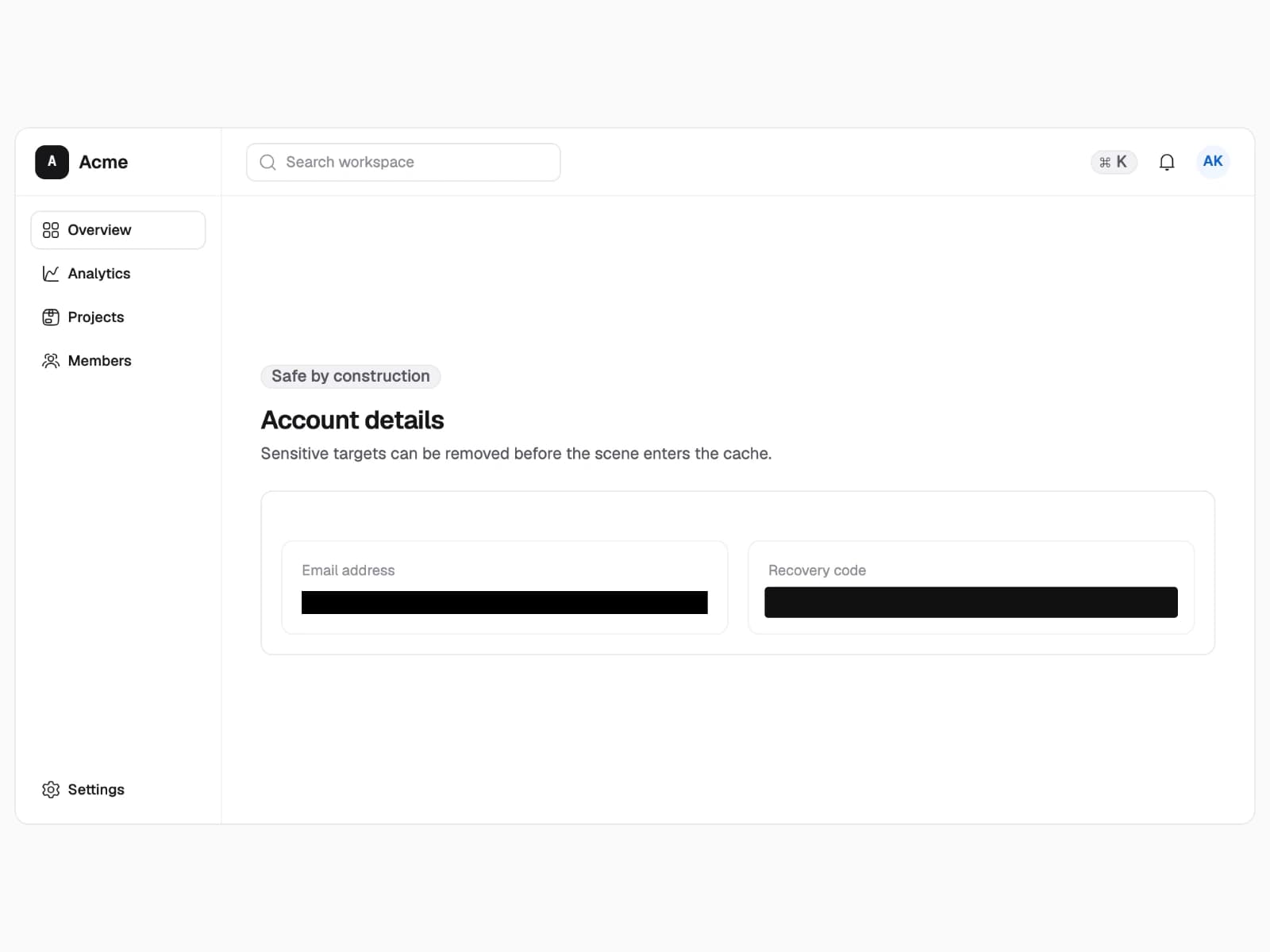
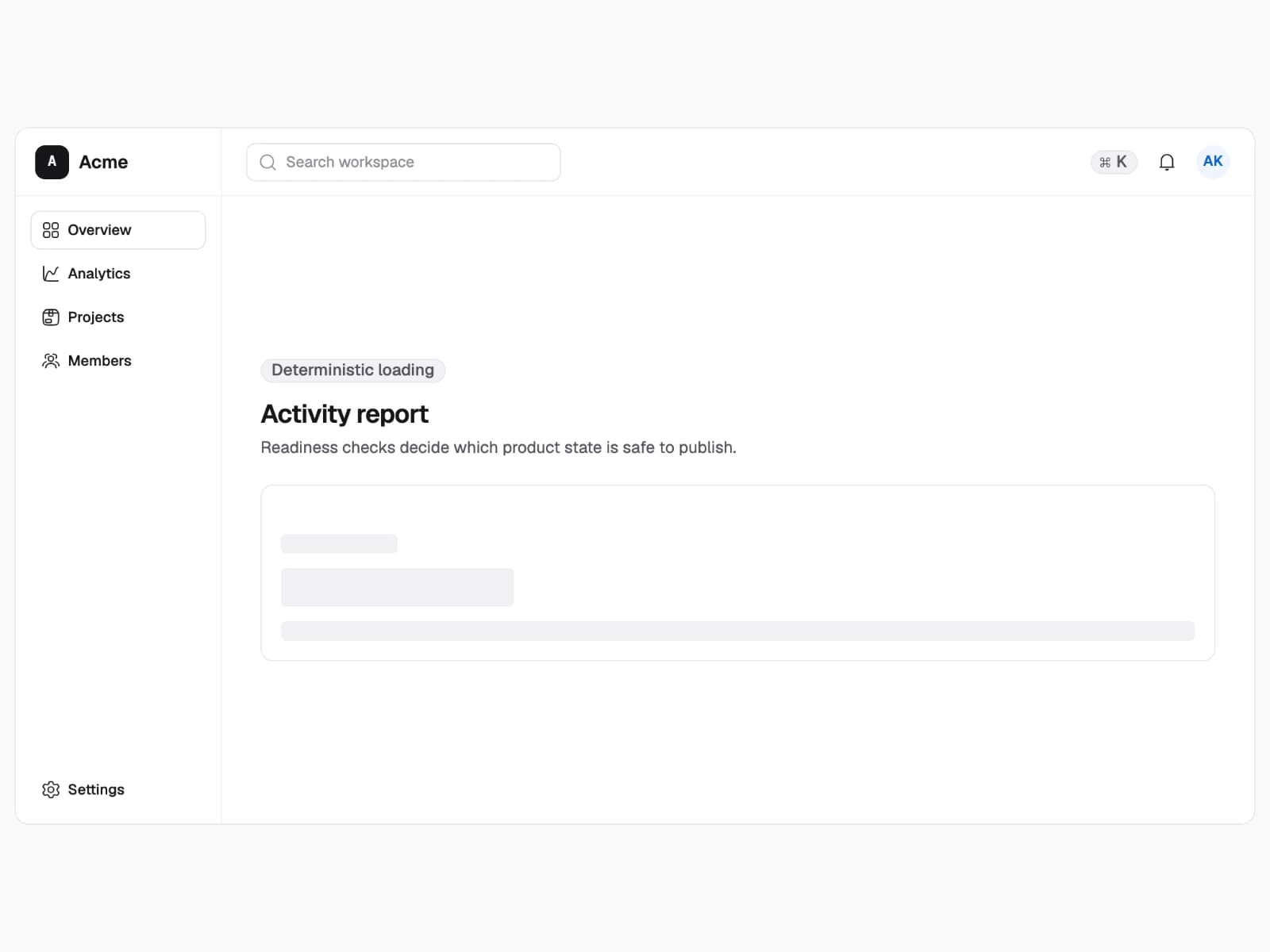
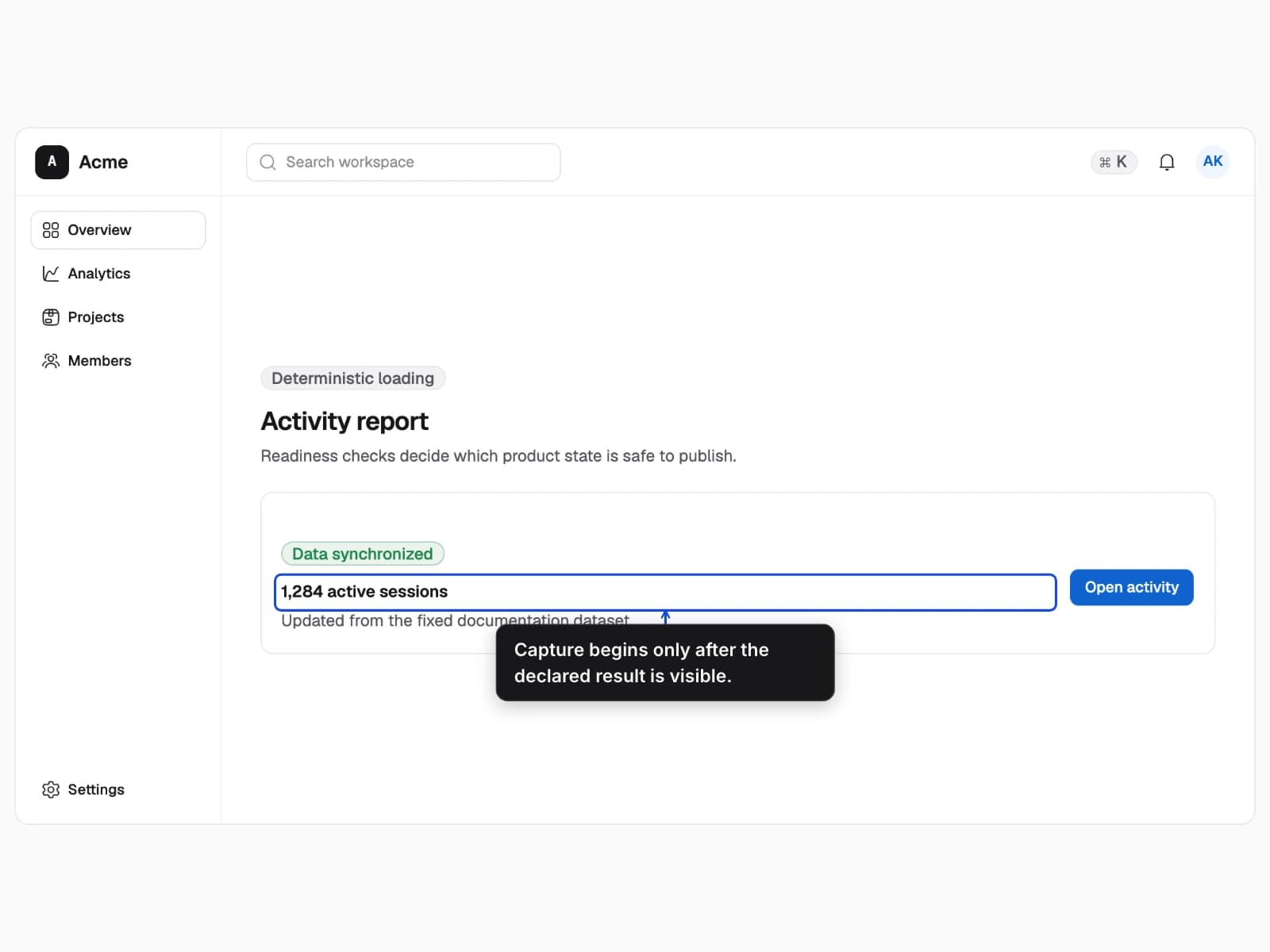
Privacy and deterministic loading
Protect sensitive pixels before caching and wait for the exact loading or ready state the guide intends to publish.
- Synthetic account data plus an activity report in explicit loading and ready states.
- Capture masks protect raw scenes, redactions protect output, and readiness assertions prevent timing races.
- The protection layer and the declared application readiness state change.
Mask before caching
Targets in the privacy namespace are hidden before the raw scene is persisted.
- 1Mark the sensitive target
- 2Capture a safe scene
Actionable diagnostics
Replace generic capture timeouts with stable error codes, exact recipe context, and one corrective action.
- A capture report for missing, duplicated, hidden, unstable, or untrusted product state.
- Failures are typed early enough for people and agents to respond consistently.
- The diagnostic code, failed contract, and recommended correction change.
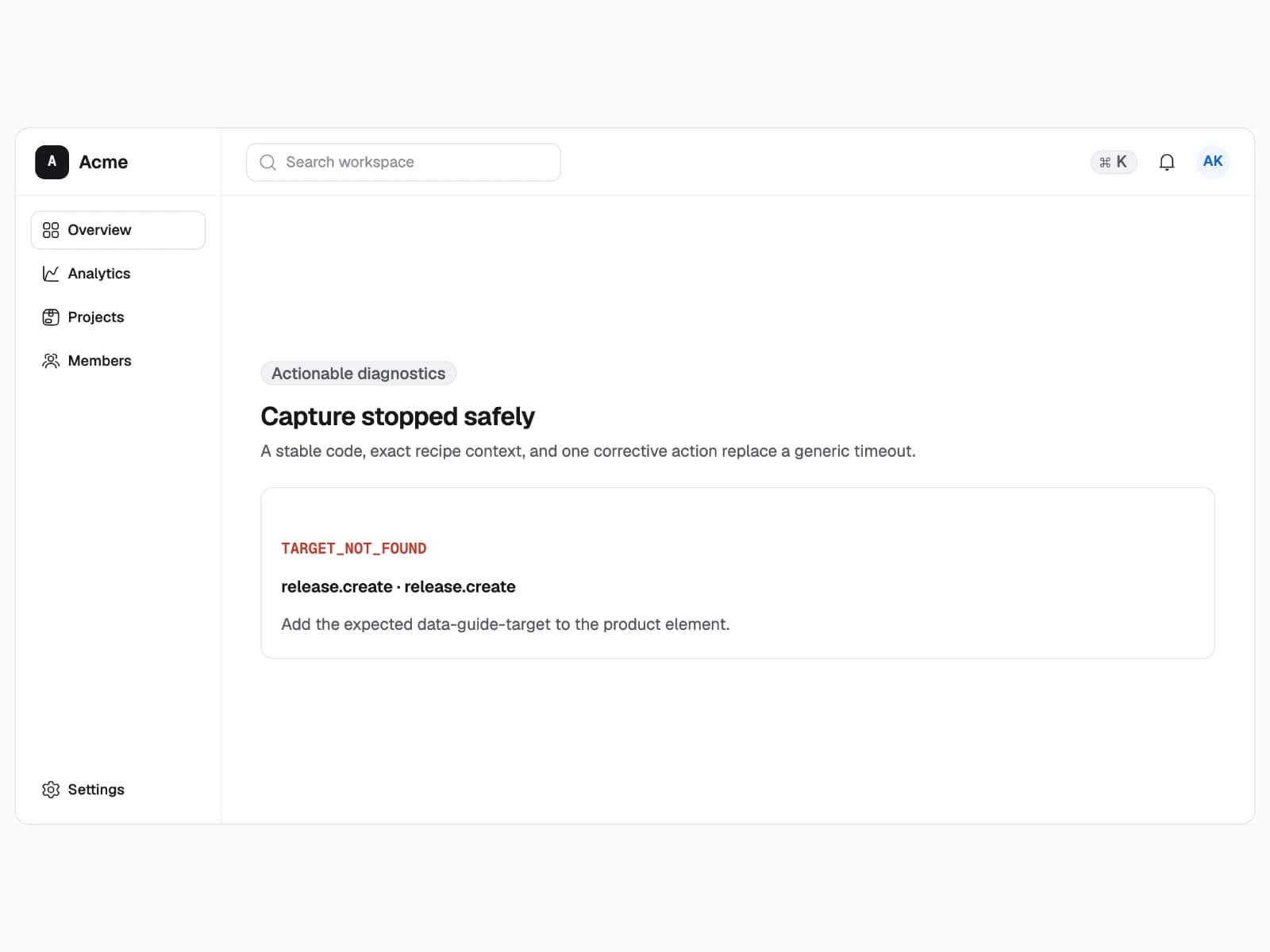
Turn failures into corrective actions
Each diagnostic keeps a stable code while the message names the failed contract and a practical remedy.
- 1Identify the stable code
- 2Apply the stated corrective action